How-to
Create your first assessment
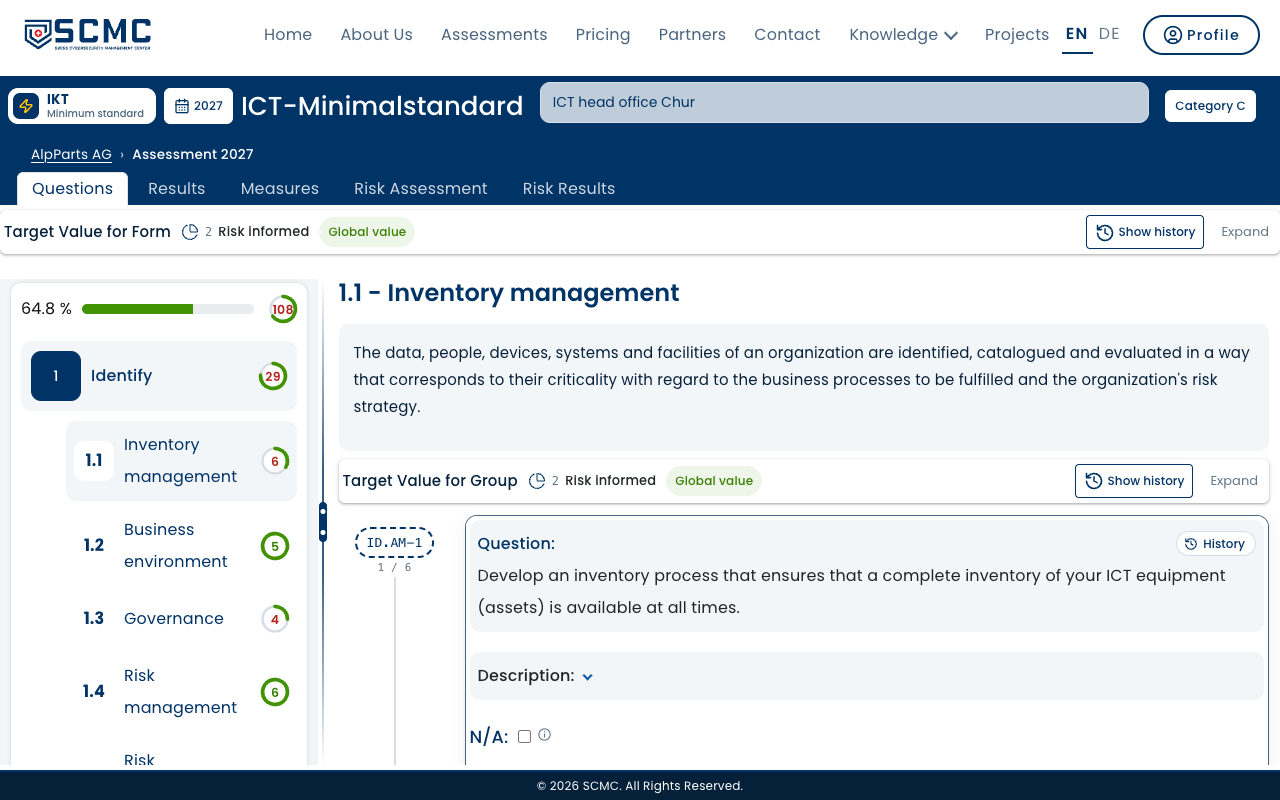
An assessment belongs to a module and to a year. You create it with a few details and then answer the questions of the module.
Step by step
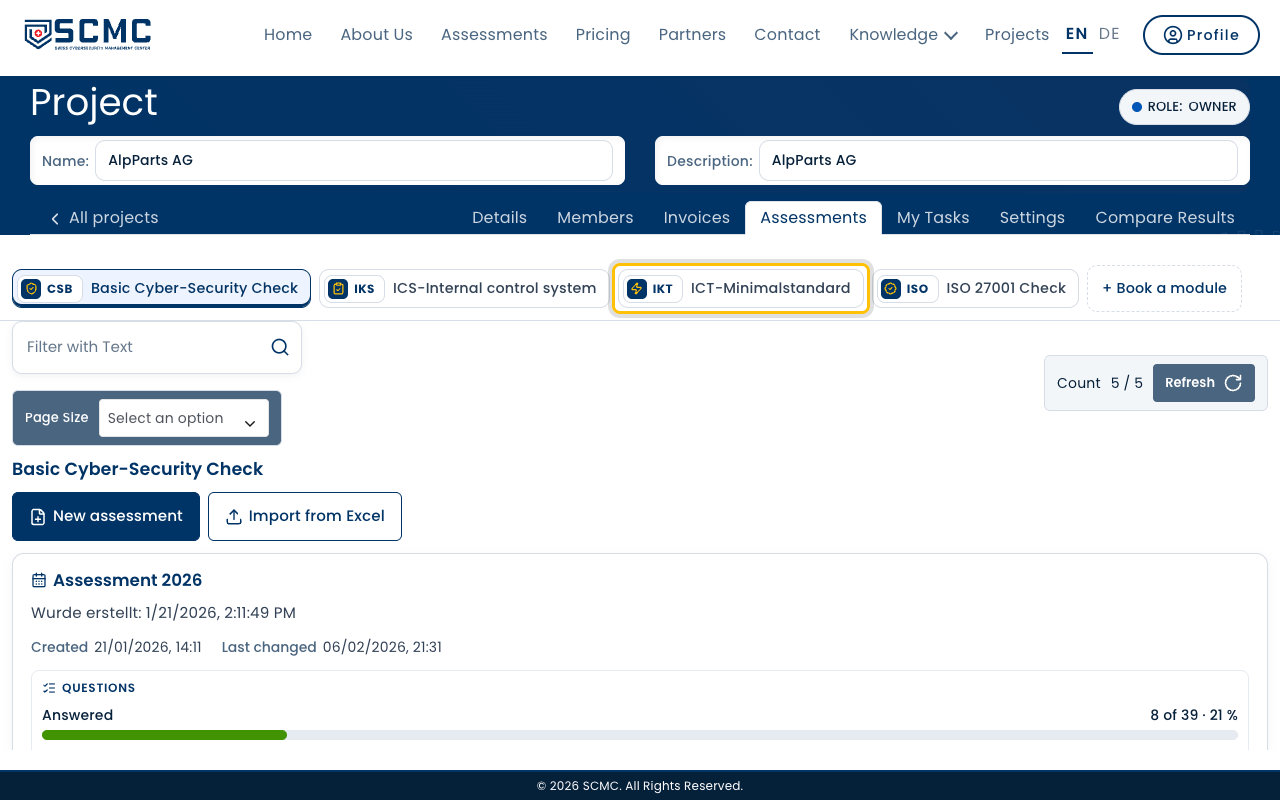
Open your project and choose the module at the top, here “ICT-Minimalstandard”.
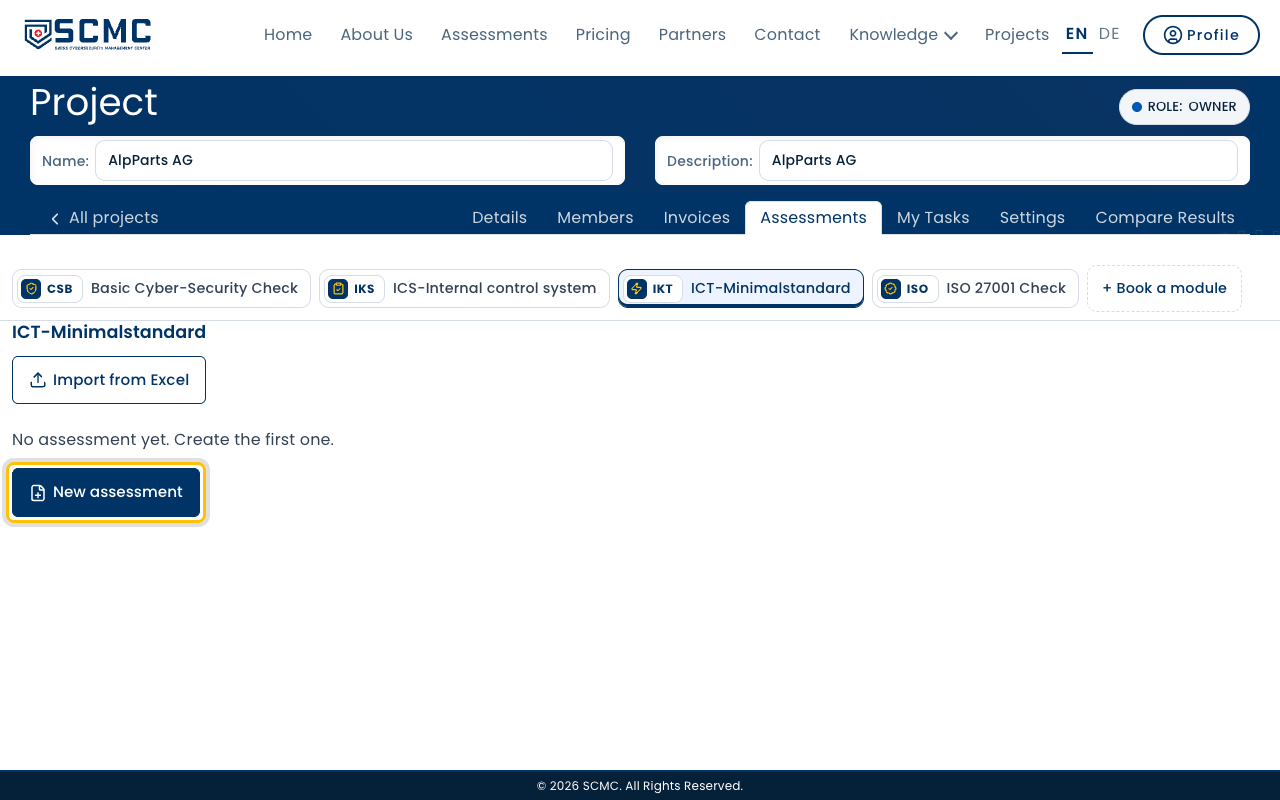
Click “New assessment”.
Choose the year. It decides the yearly quota and stays fixed afterwards.
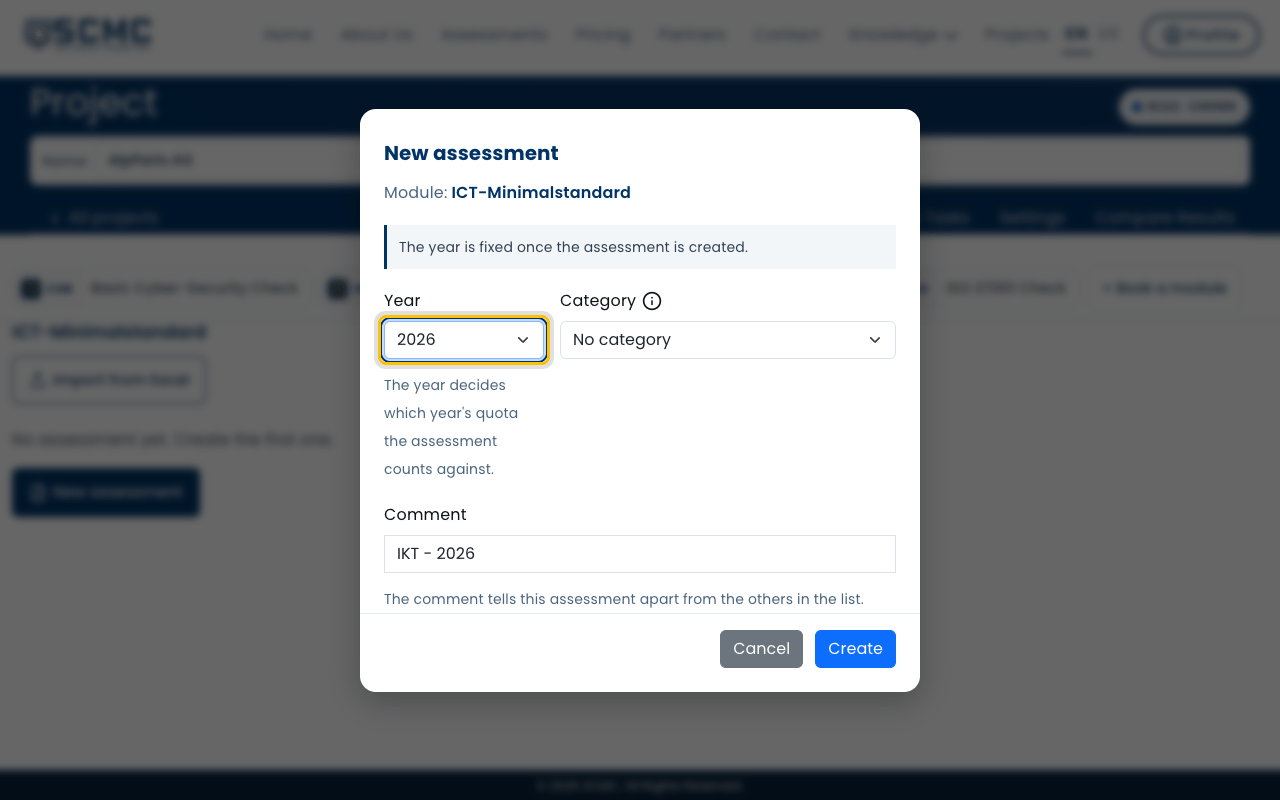
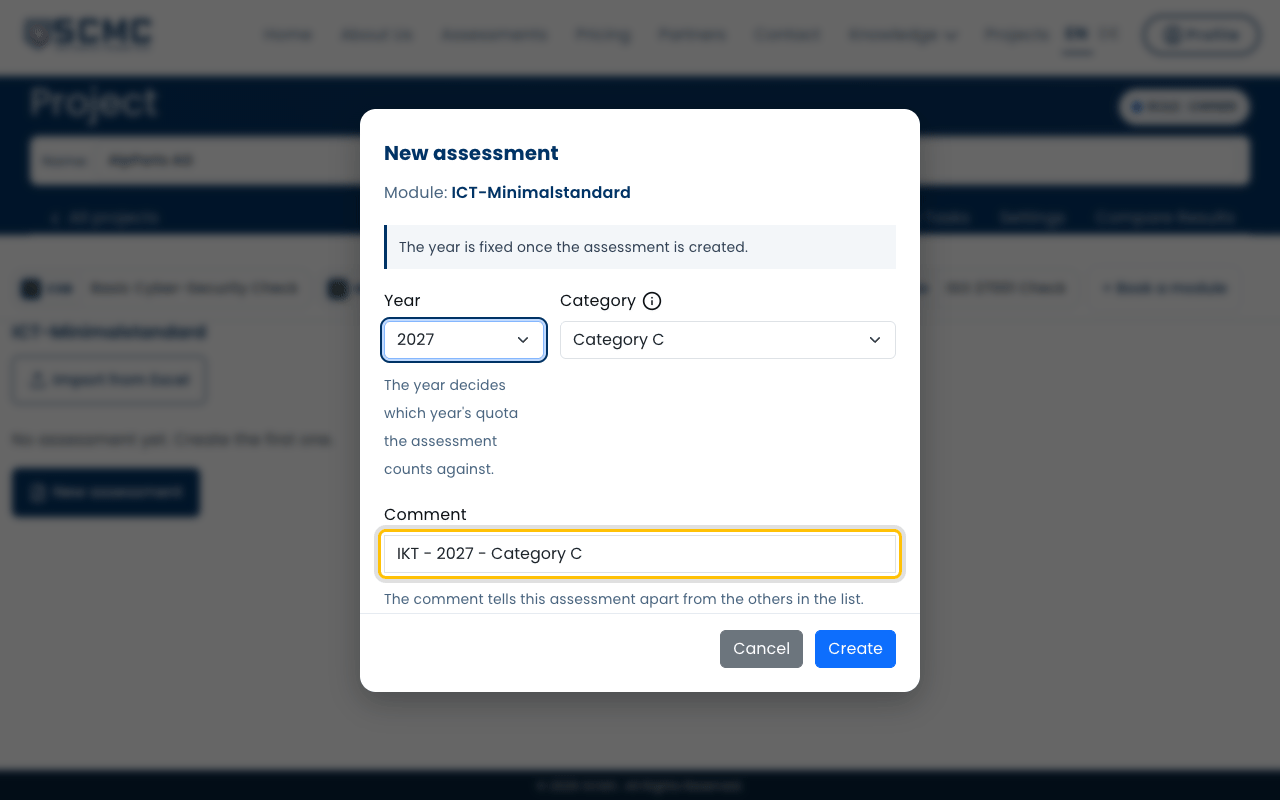
Choose the category. The (i) next to it shows which one fits you.
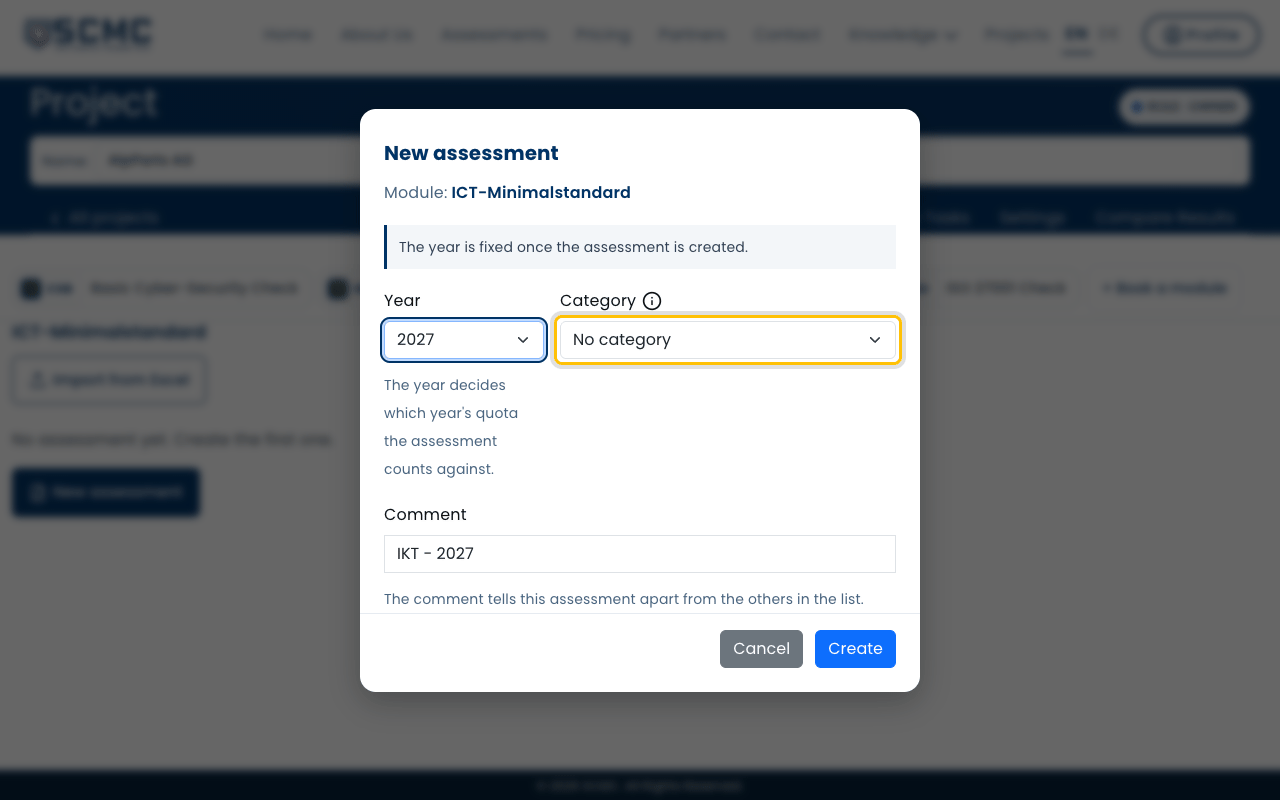
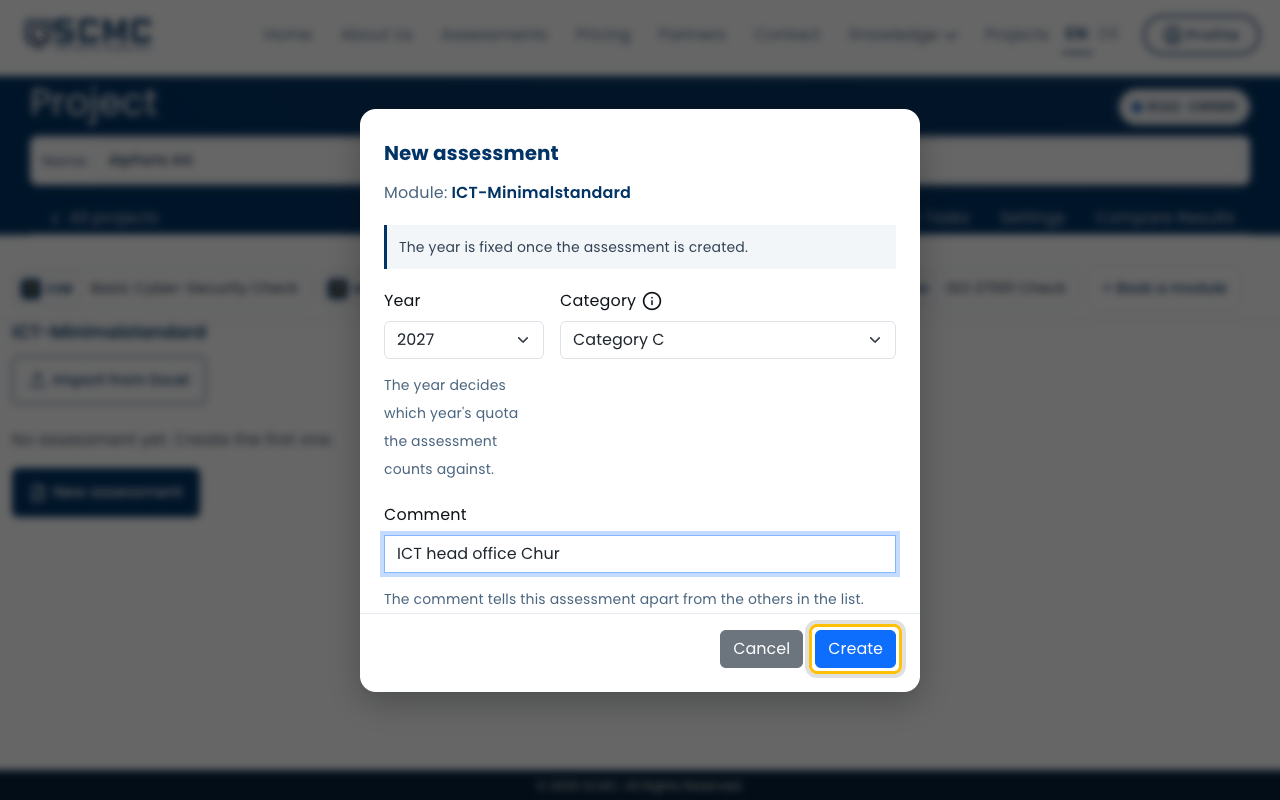
Adjust the comment. It is how you find the assessment in the list.
Click “Create”.
The assessment opens with the questions of the module. Now you answer them.