How-to
Create and set up a project
A project holds the assessments of one organisation. You create it with a name and a description and then set what new assessments start with.
Step by step
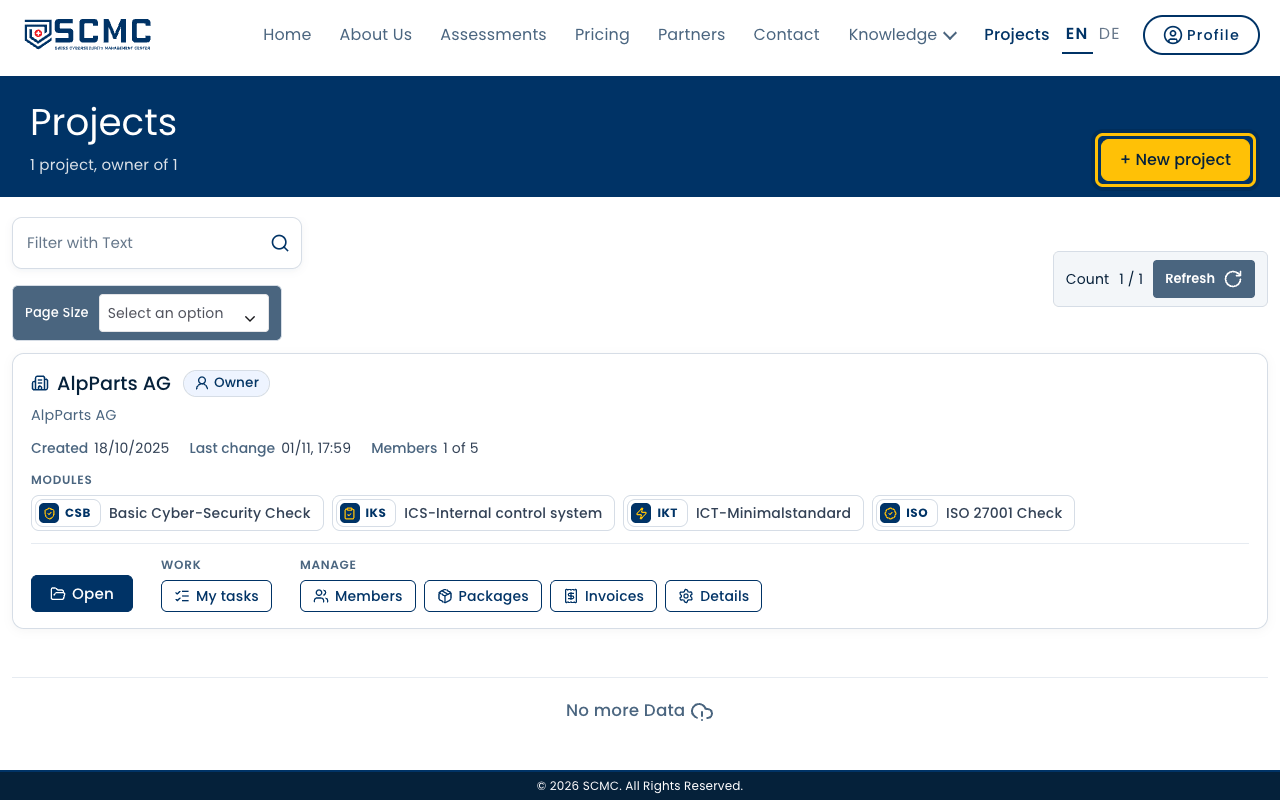
Under “Projects” you see your projects. A new one is created at the top right.
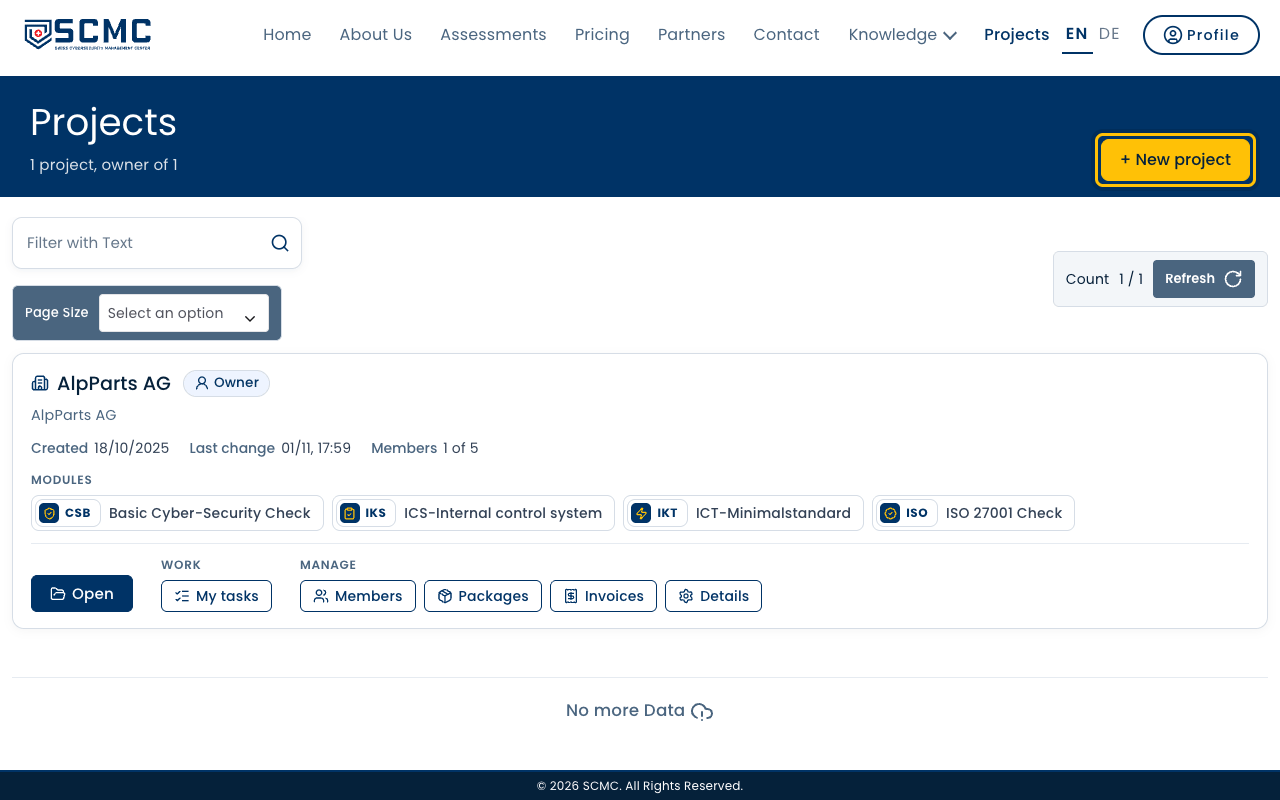
Click “+ New project”.
Enter the name, usually that of your organisation.
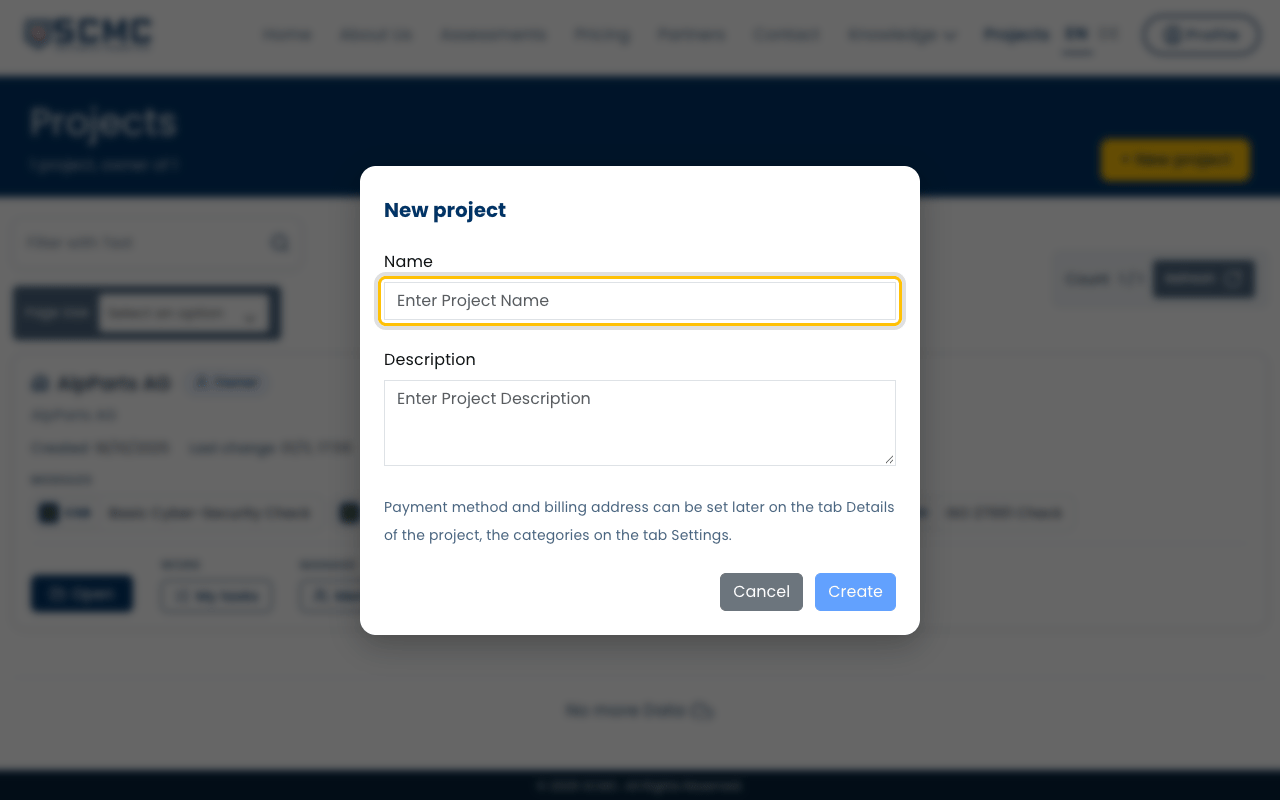
The description is optional and helps when you run several projects.
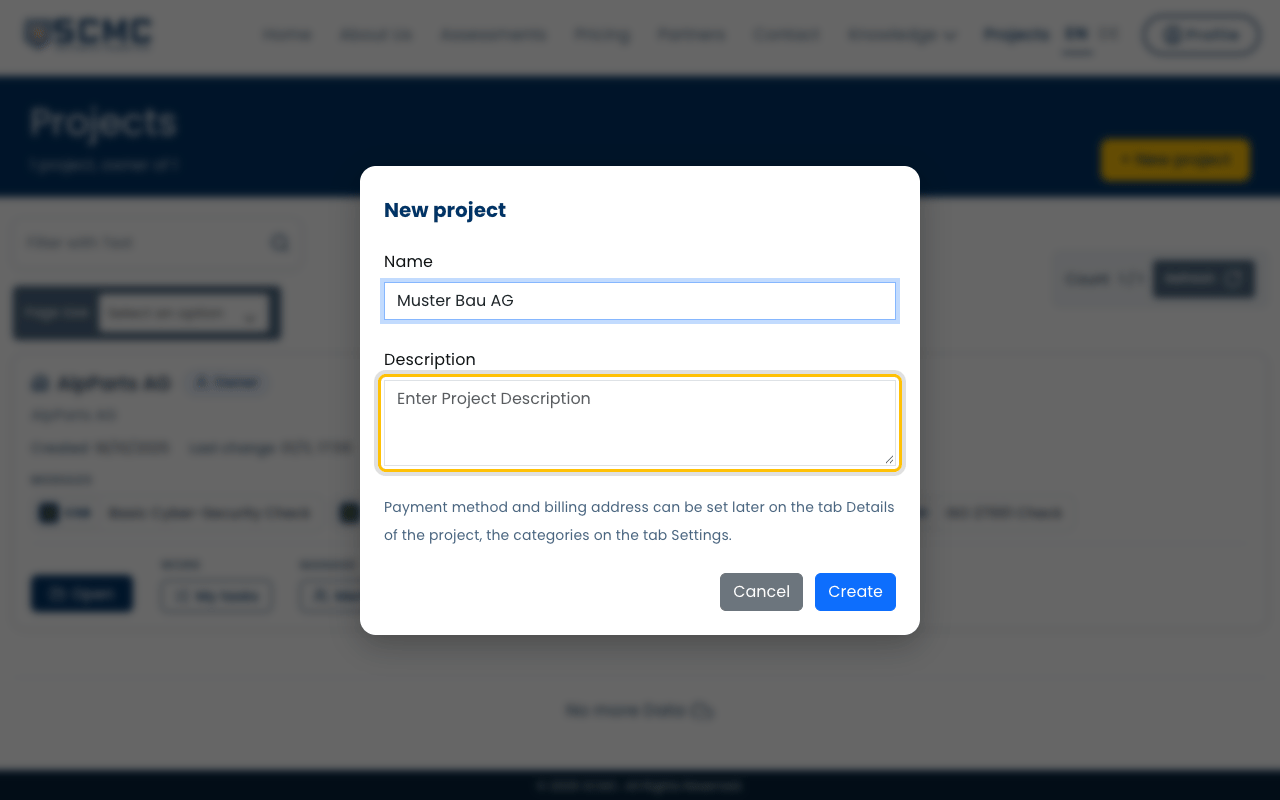
Click “Create”.
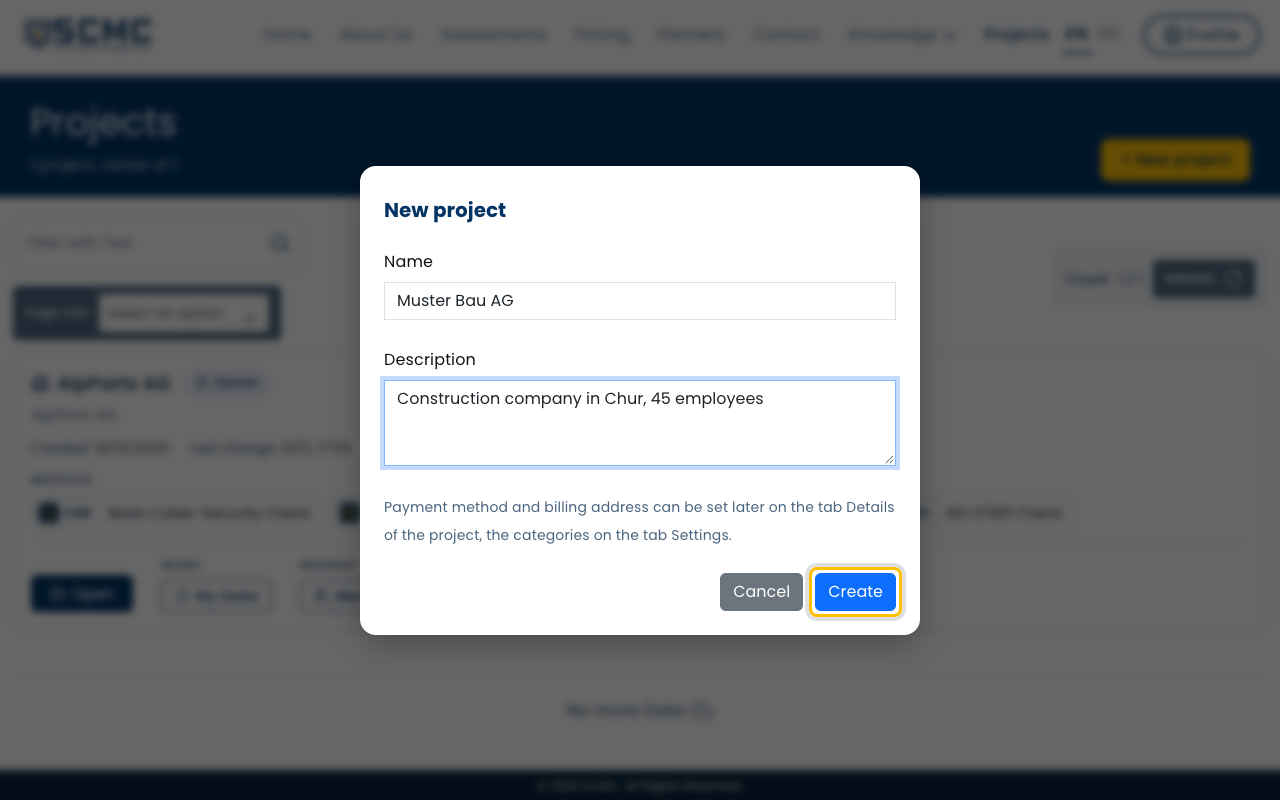
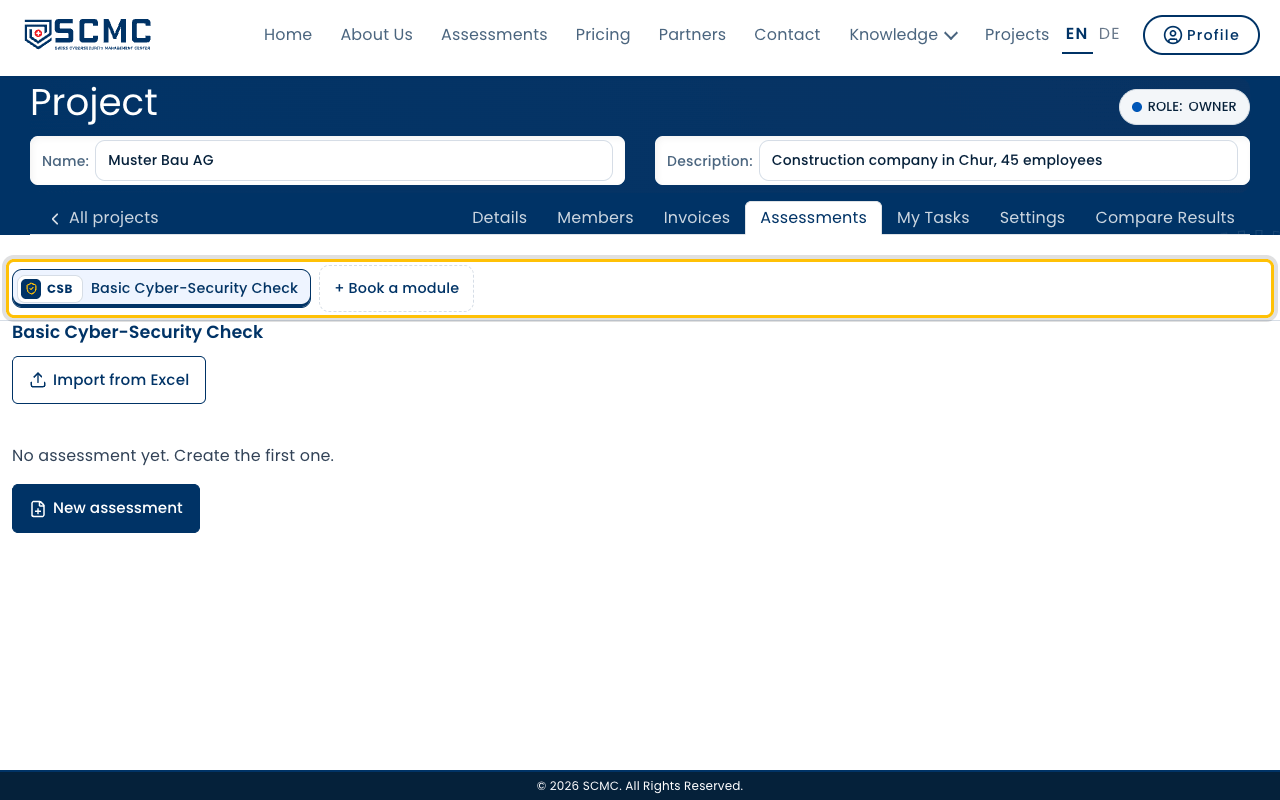
The project starts with the free Basic Cyber-Security Check.
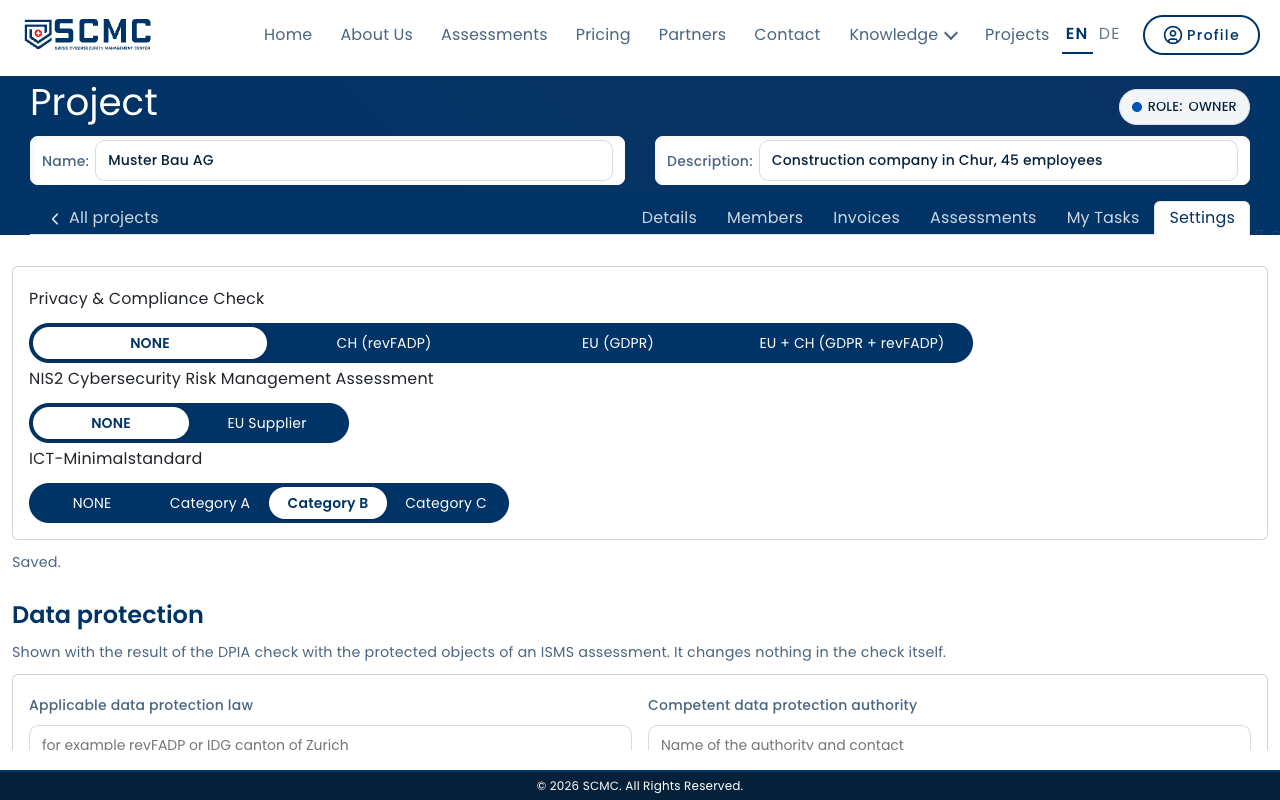
Open the “Settings” tab.
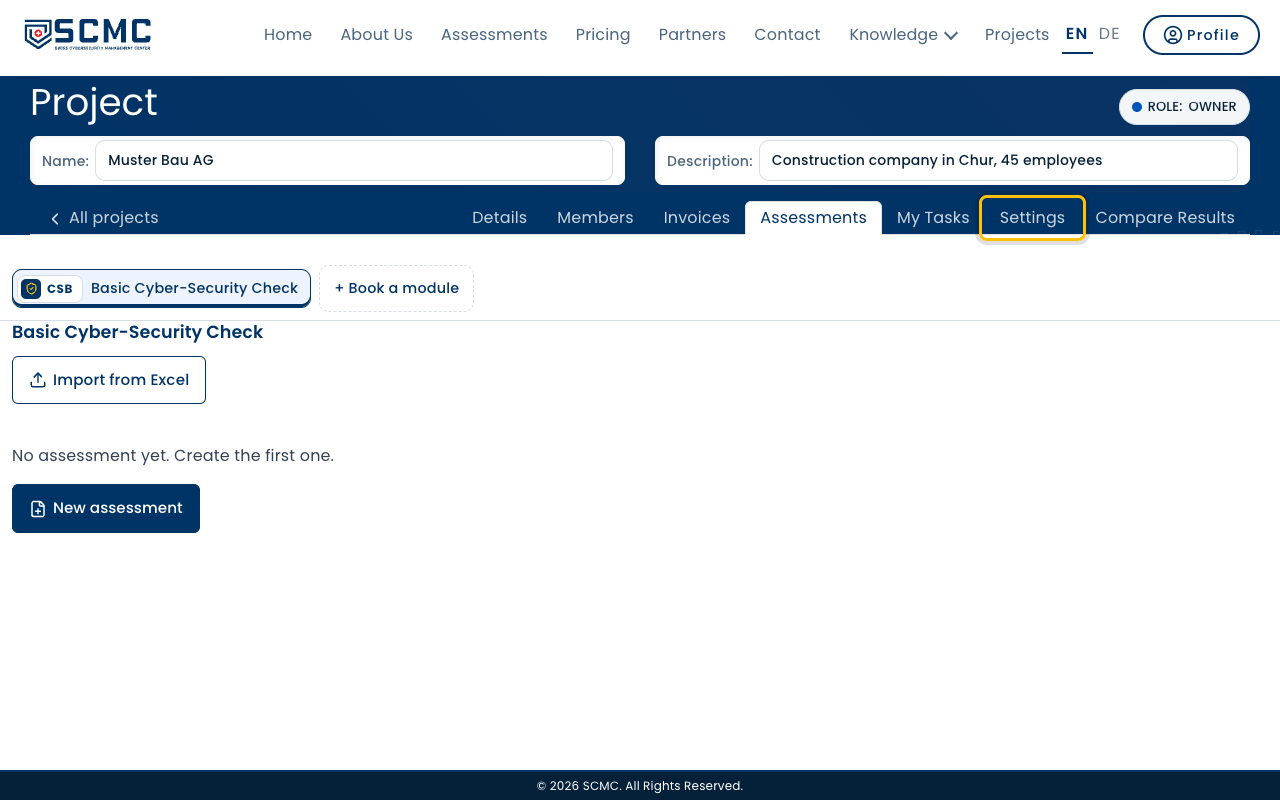
Choose the category per module. New assessments start with it.