How-to
Download the report of an assessment
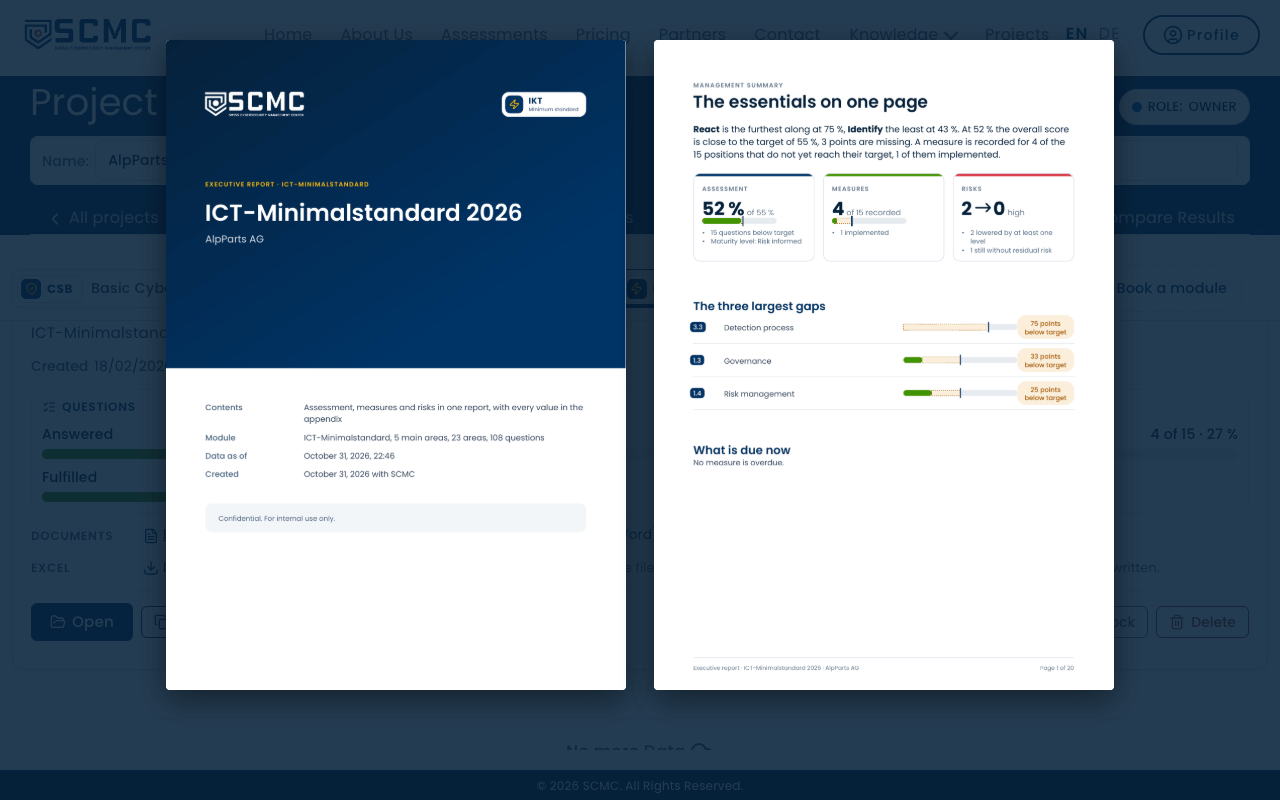
The executive report sums up an assessment for management, audit or a regulator: the result, measures and risks, with every answer in the appendix.
Step by step
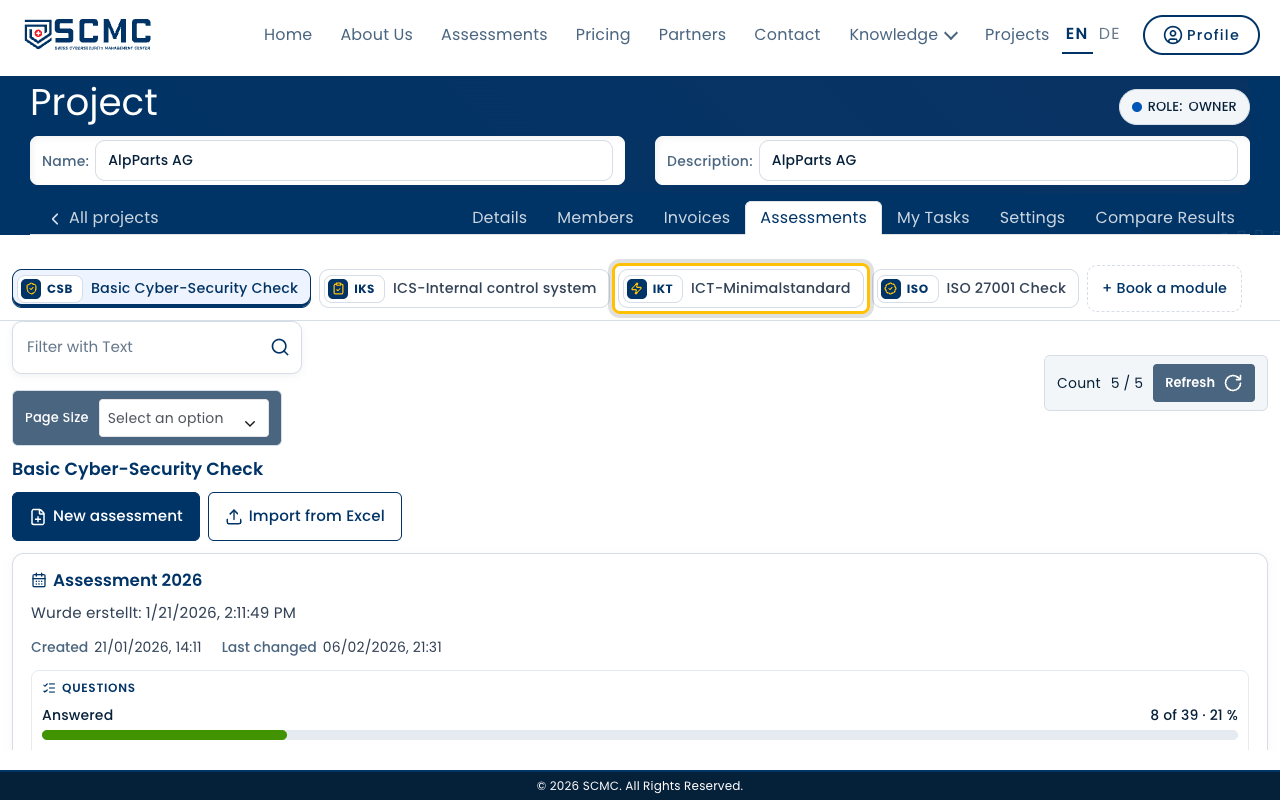
Open your project and choose the module of the assessment at the top.
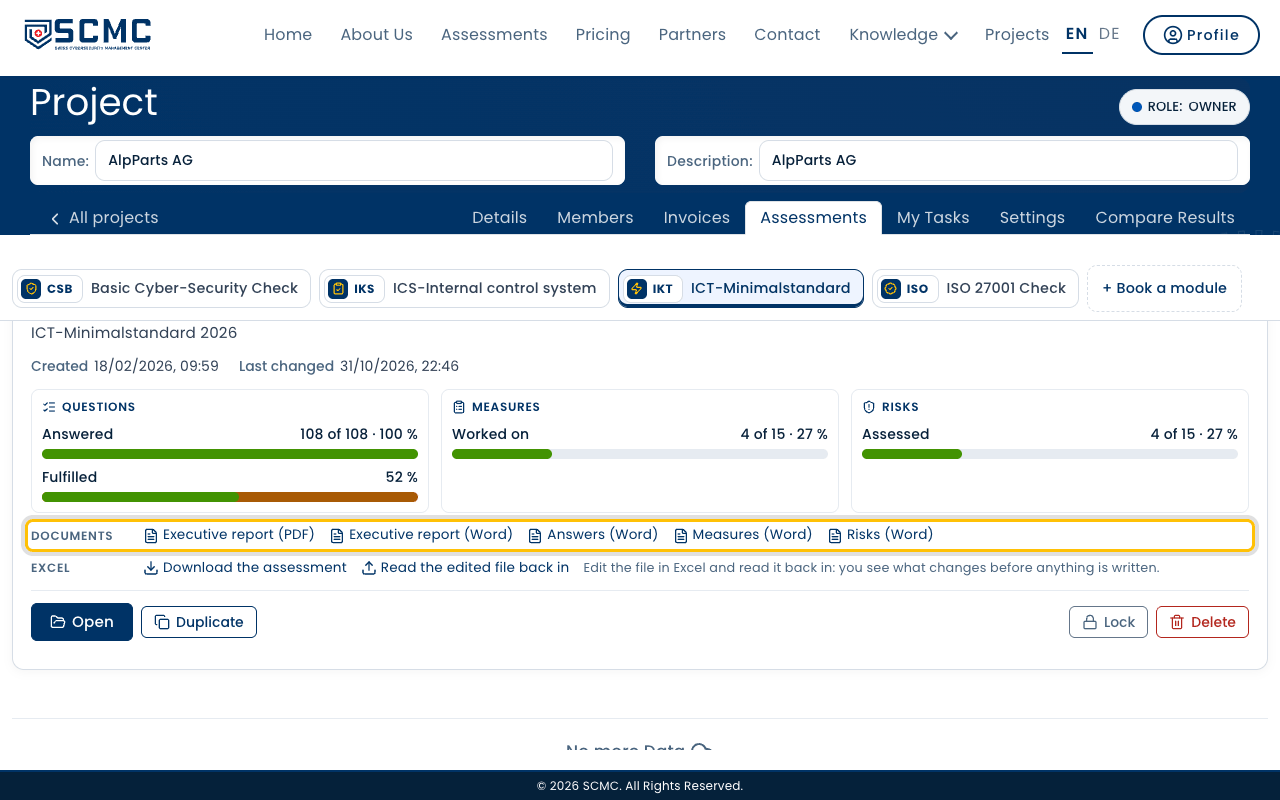
Every assessment has a “Documents” row with all its reports.
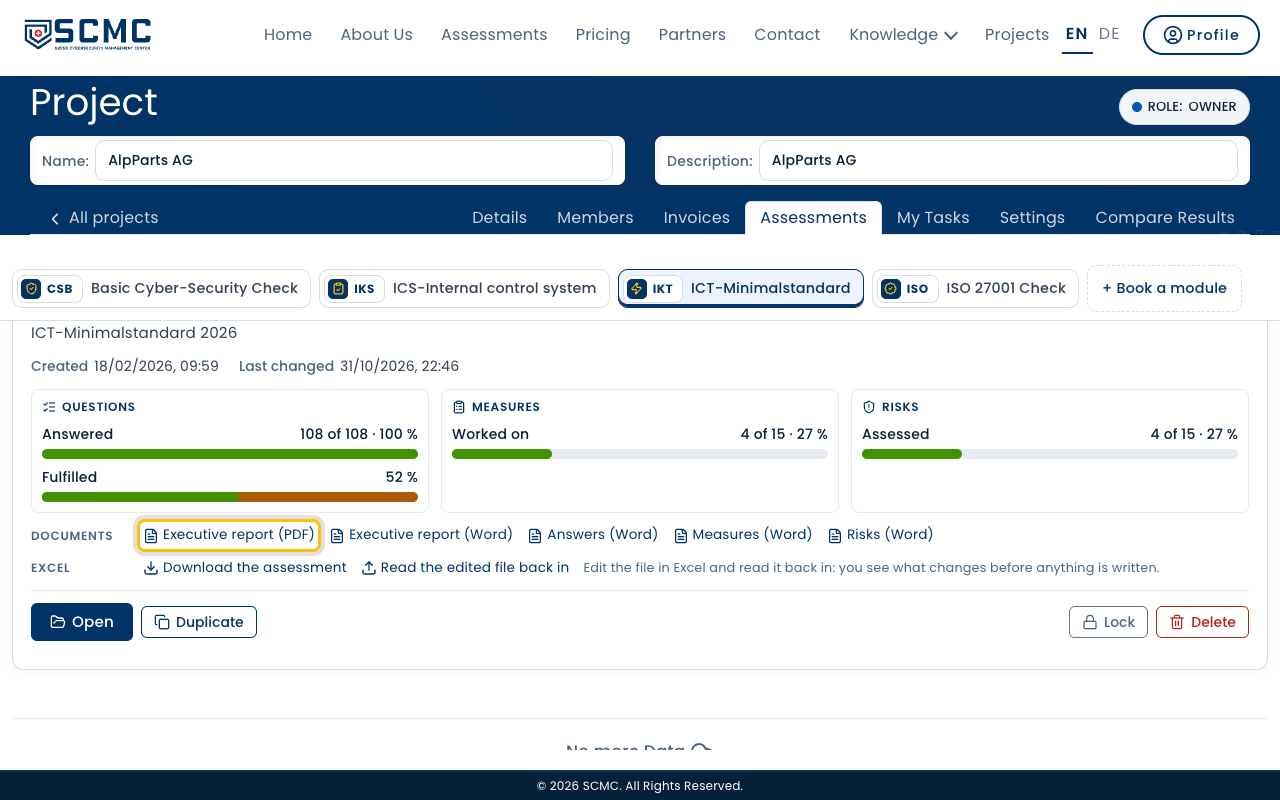
Click “Executive report (PDF)”. The report is downloaded.
It opens with the essentials on one page, then assessment, measures and risks.
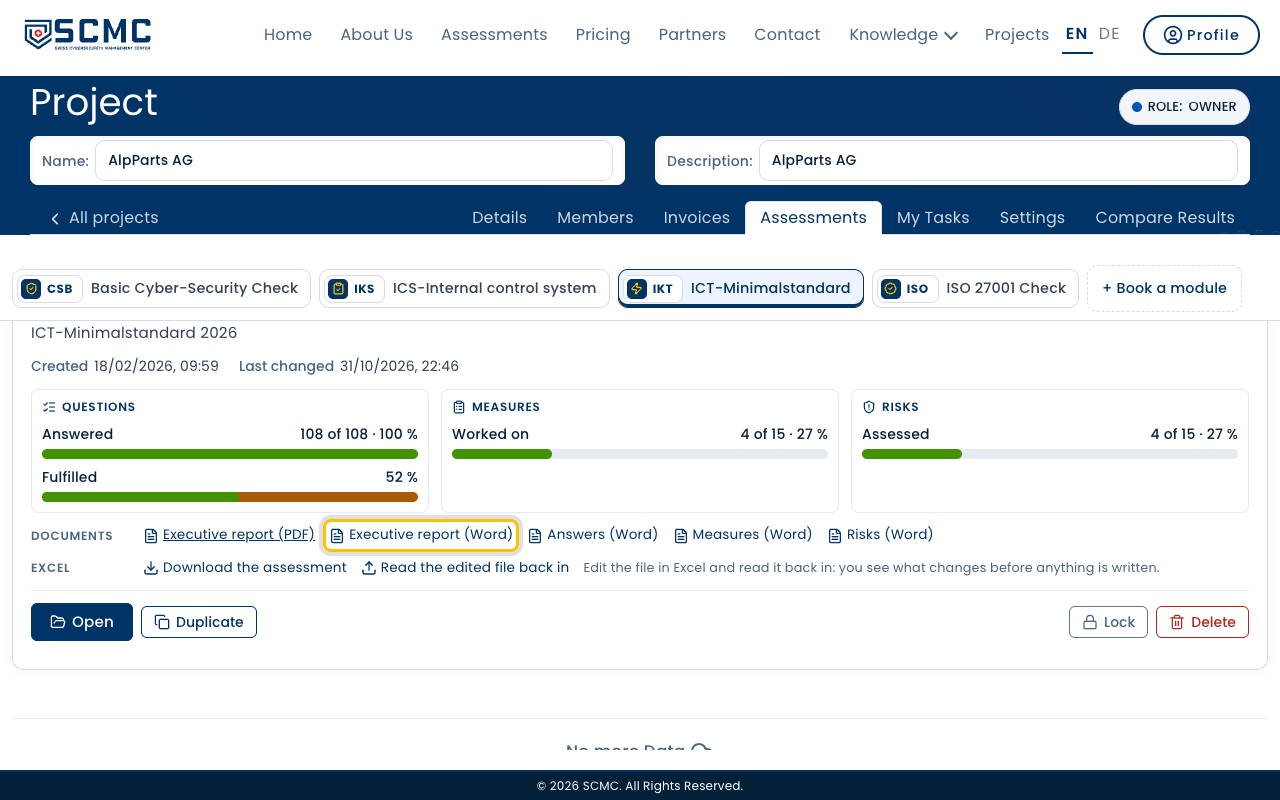
To keep working on it, take “Executive report (Word)”.