How-to
Invite a member to your project
Members of a project work on its assessments. You invite a person by email and decide at the same time what they may do.
Step by step
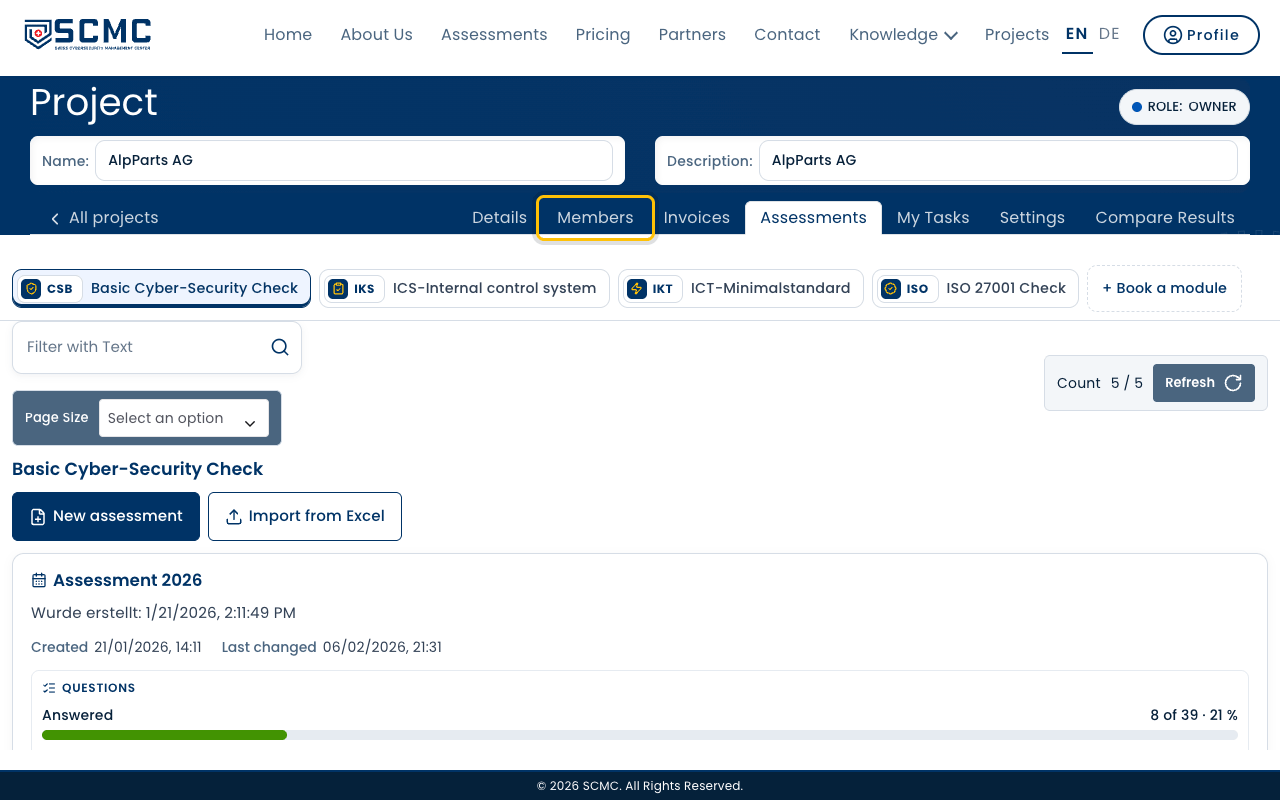
Open your project and its “Members” tab.
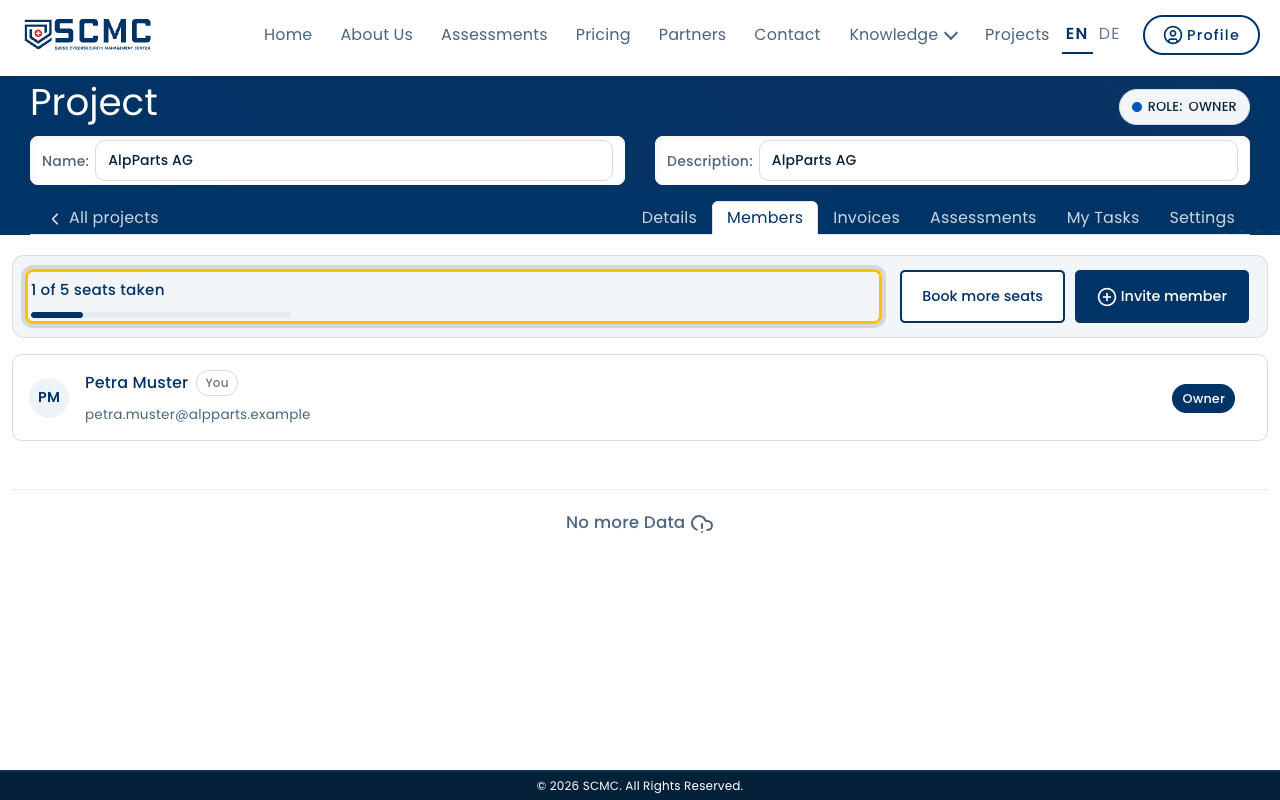
The bar at the top shows how many seats are taken. Every invitation takes one.
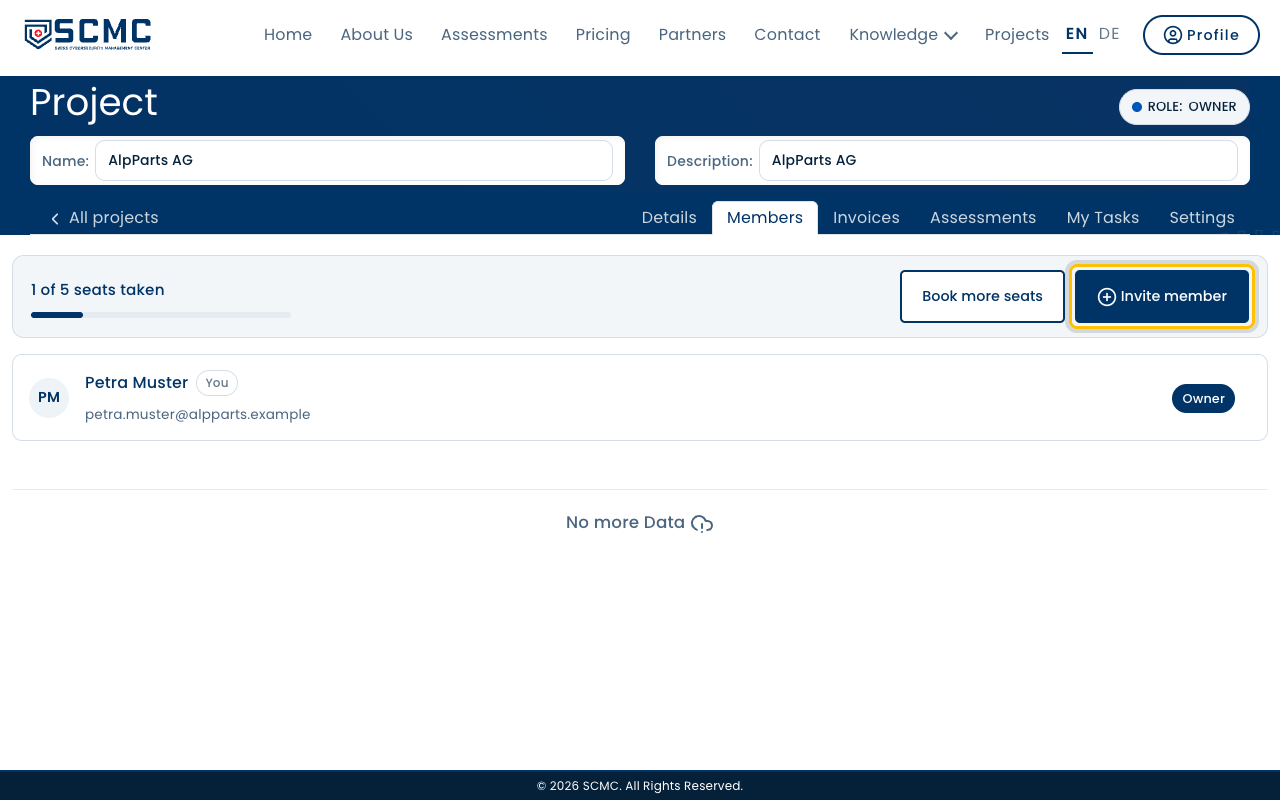
Click “Invite member”.
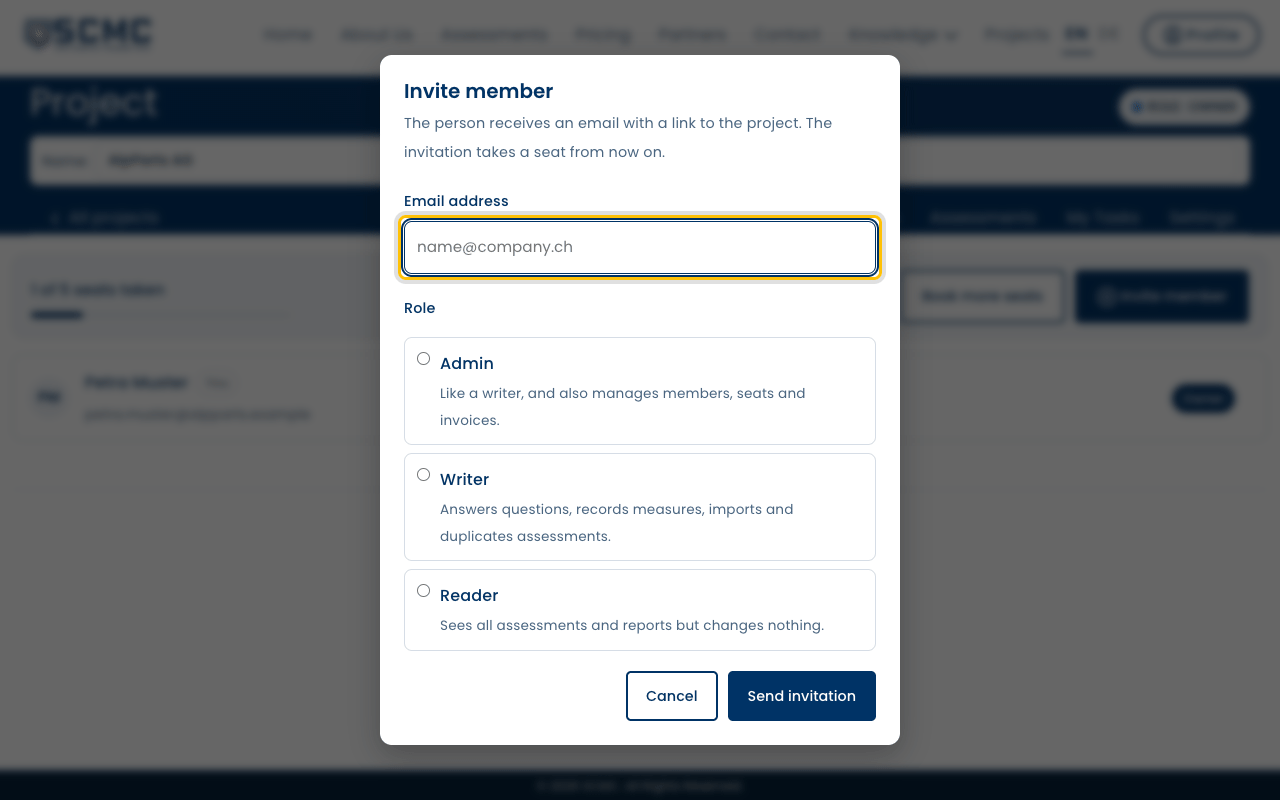
Enter the person’s email address.
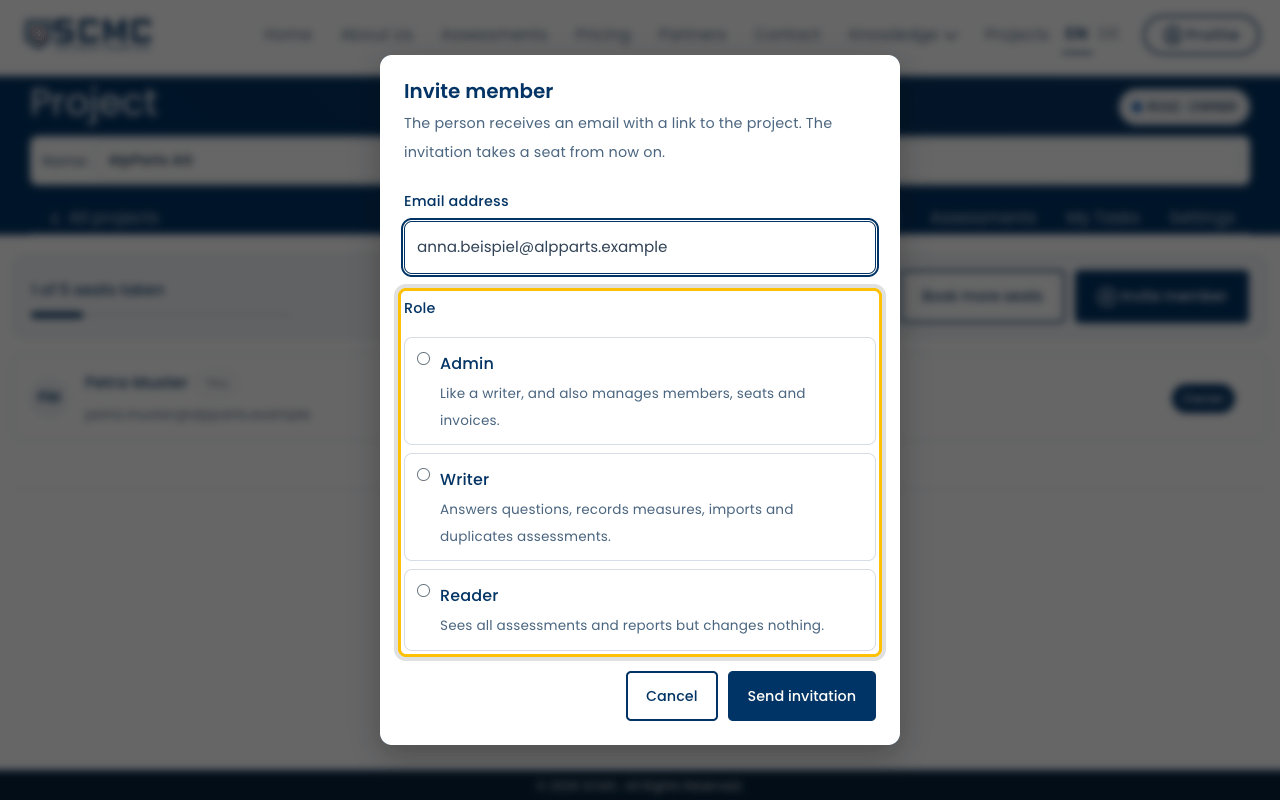
Choose the role. Below each role you see what it may do.
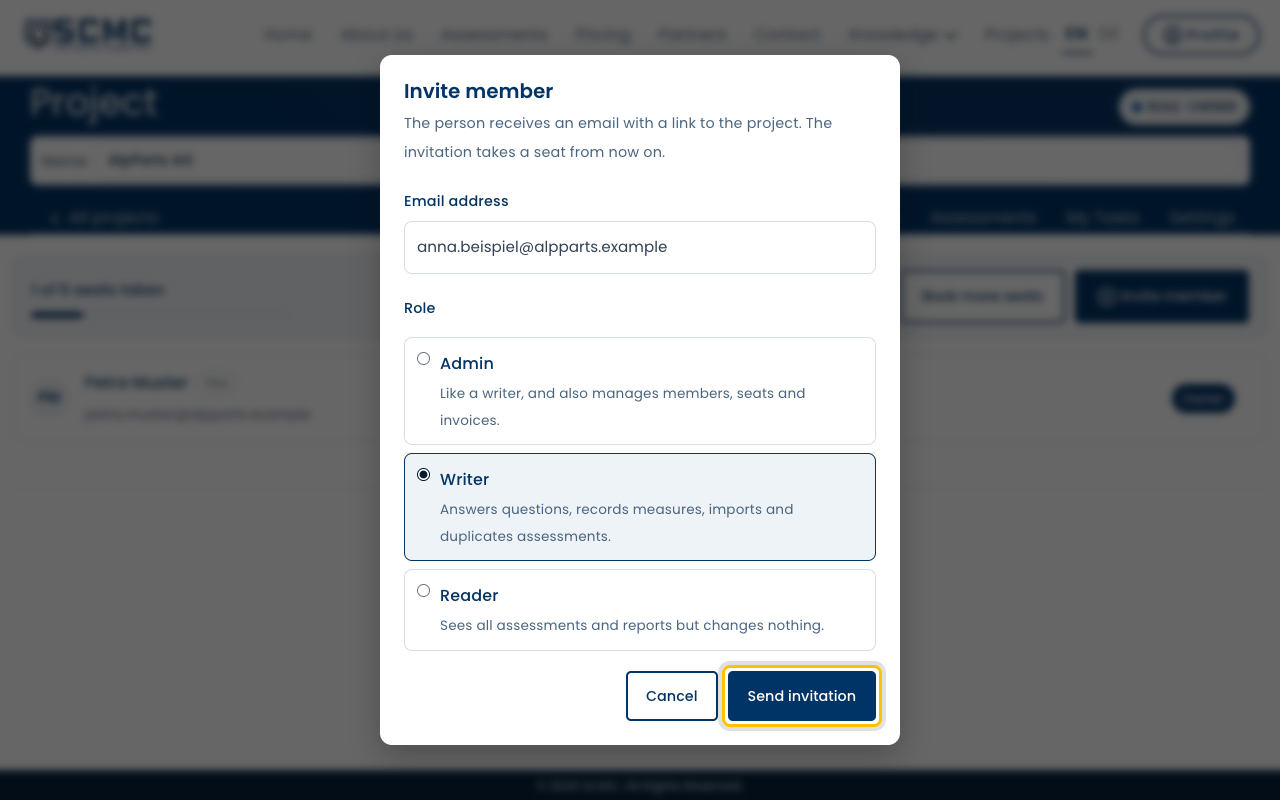
Click “Send invitation”.
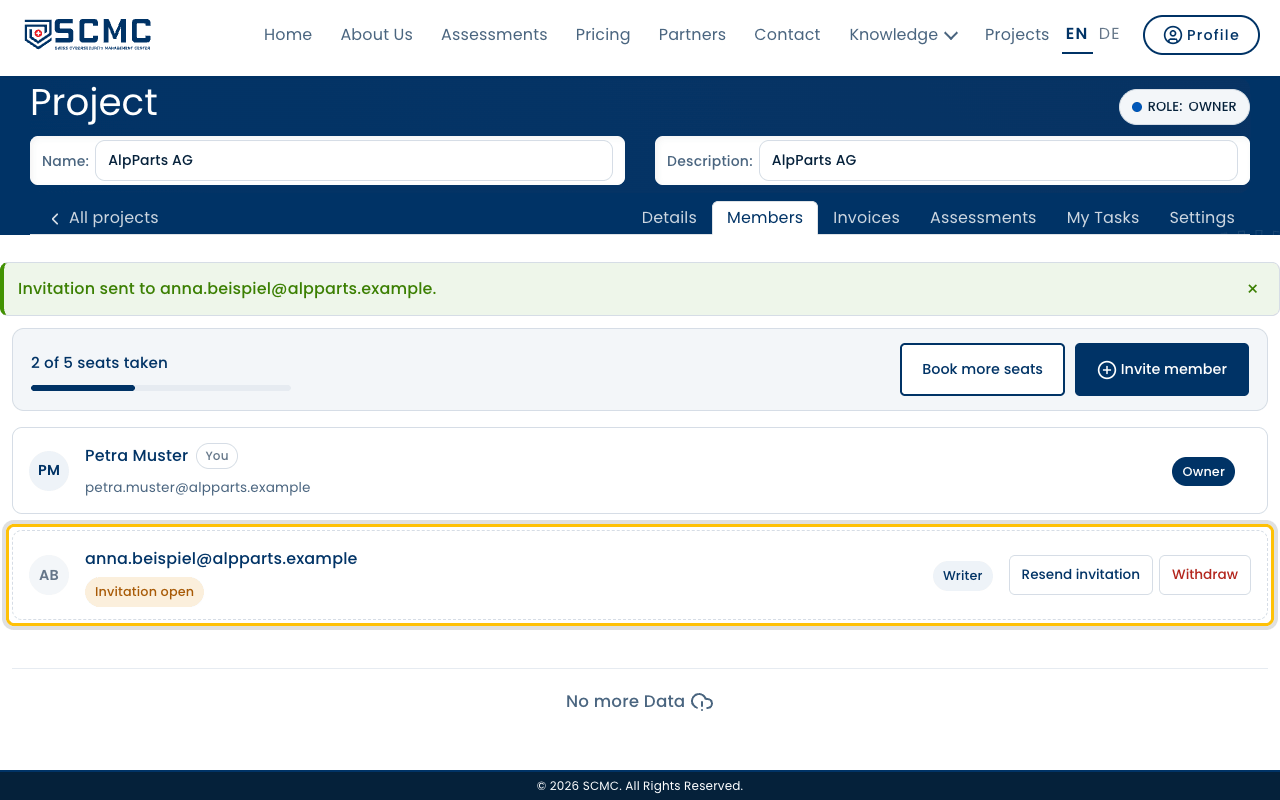
The person receives an email. Until they accept, the invitation shows as open in the list.