How-to
Switch on MFA for your account
With MFA, SCMC asks for a code from an authenticator app at every sign-in with your password. A project that requires MFA opens only this way.
Step by step
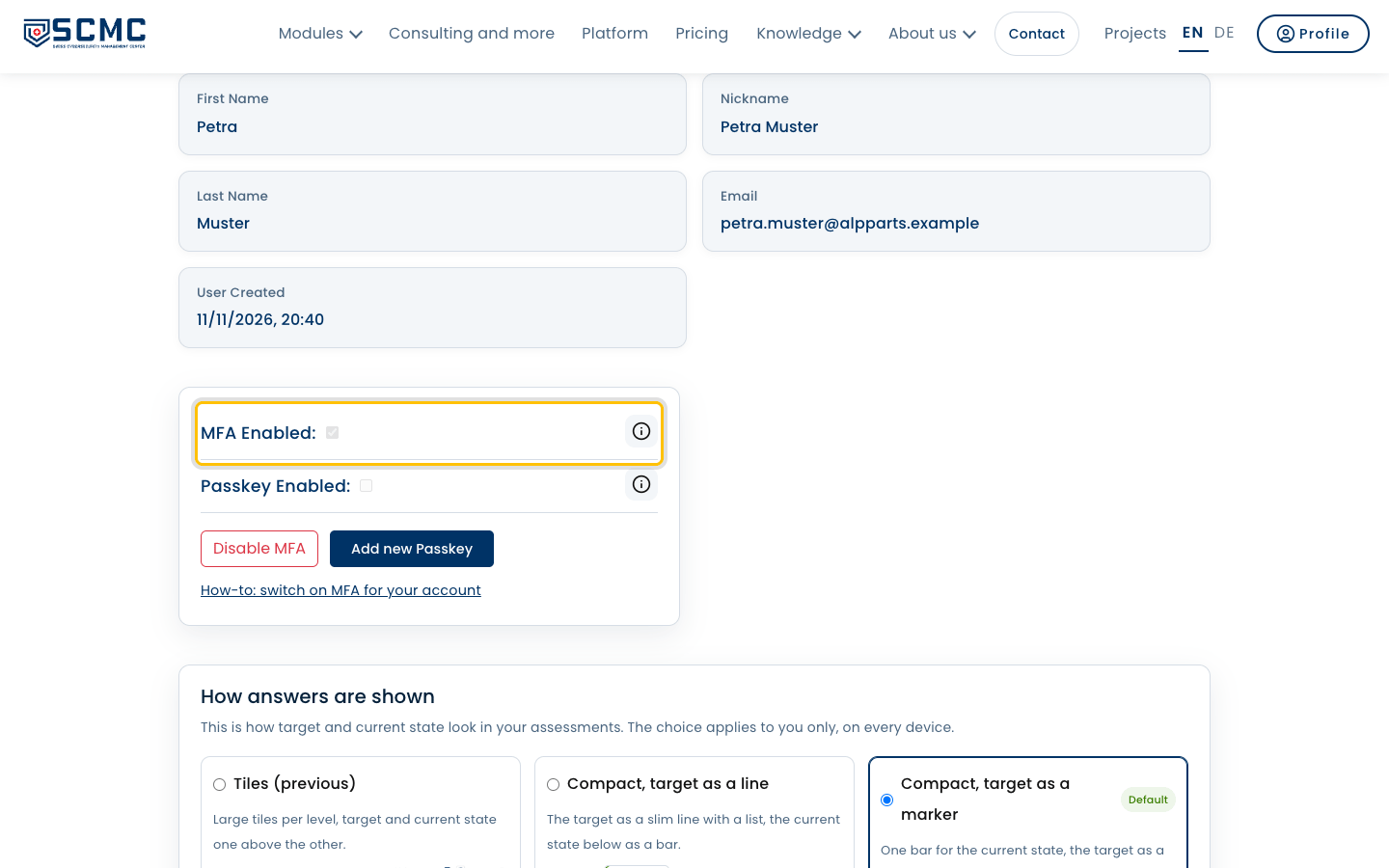
Open “Profile” at the top right. MFA and your passkeys are at the top.
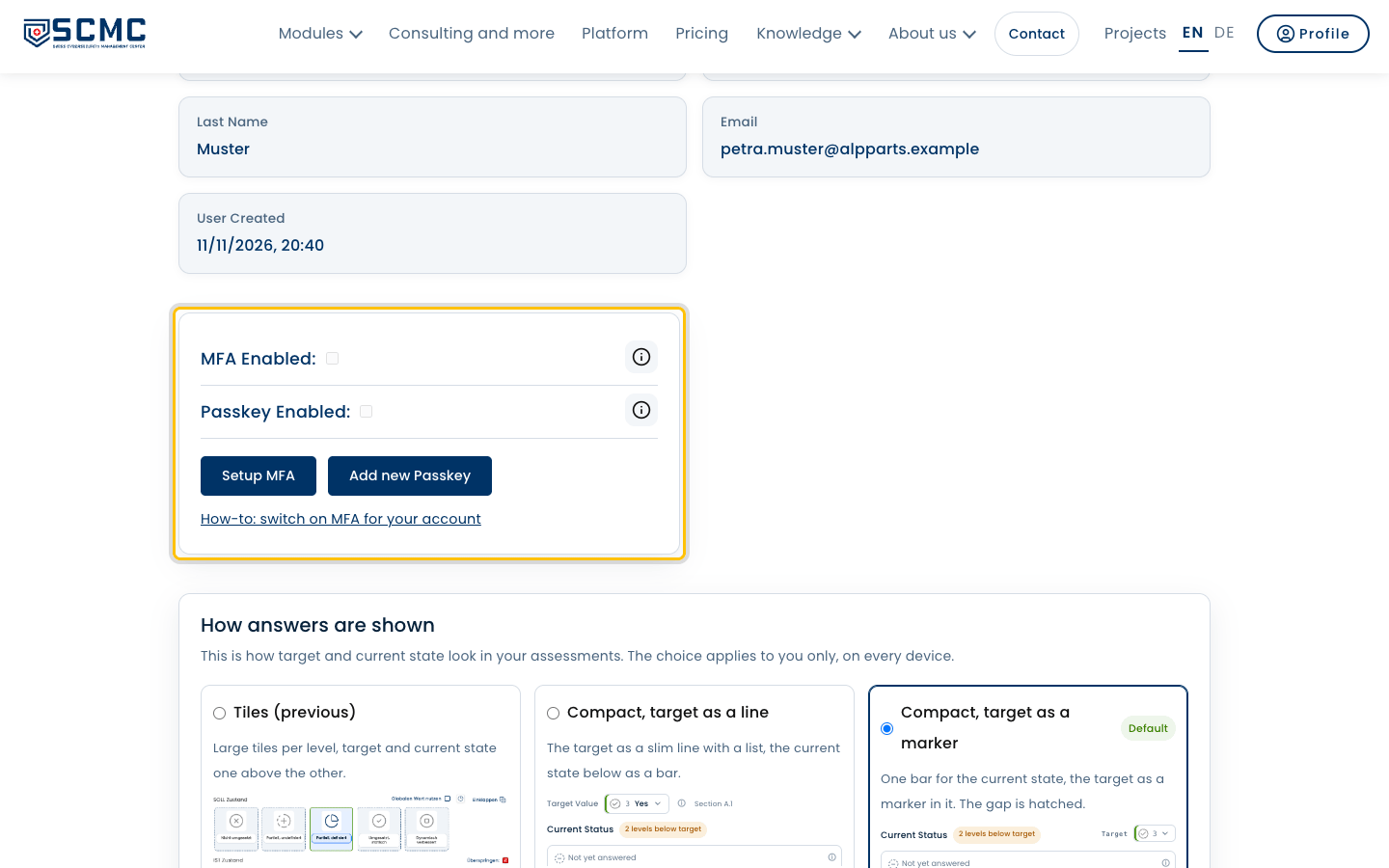
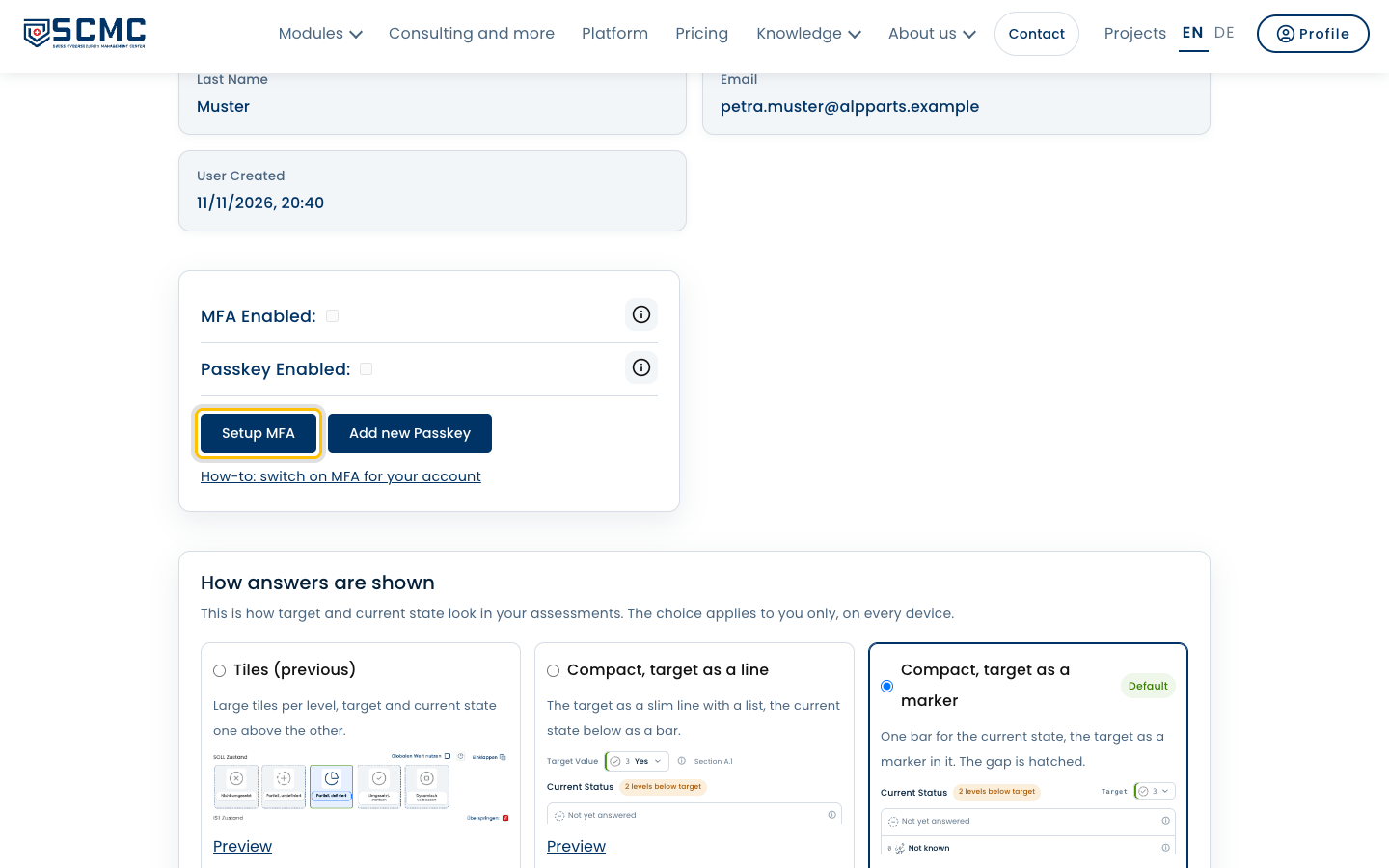
Click “Setup MFA”.
Scan the QR code with an authenticator app on your phone.
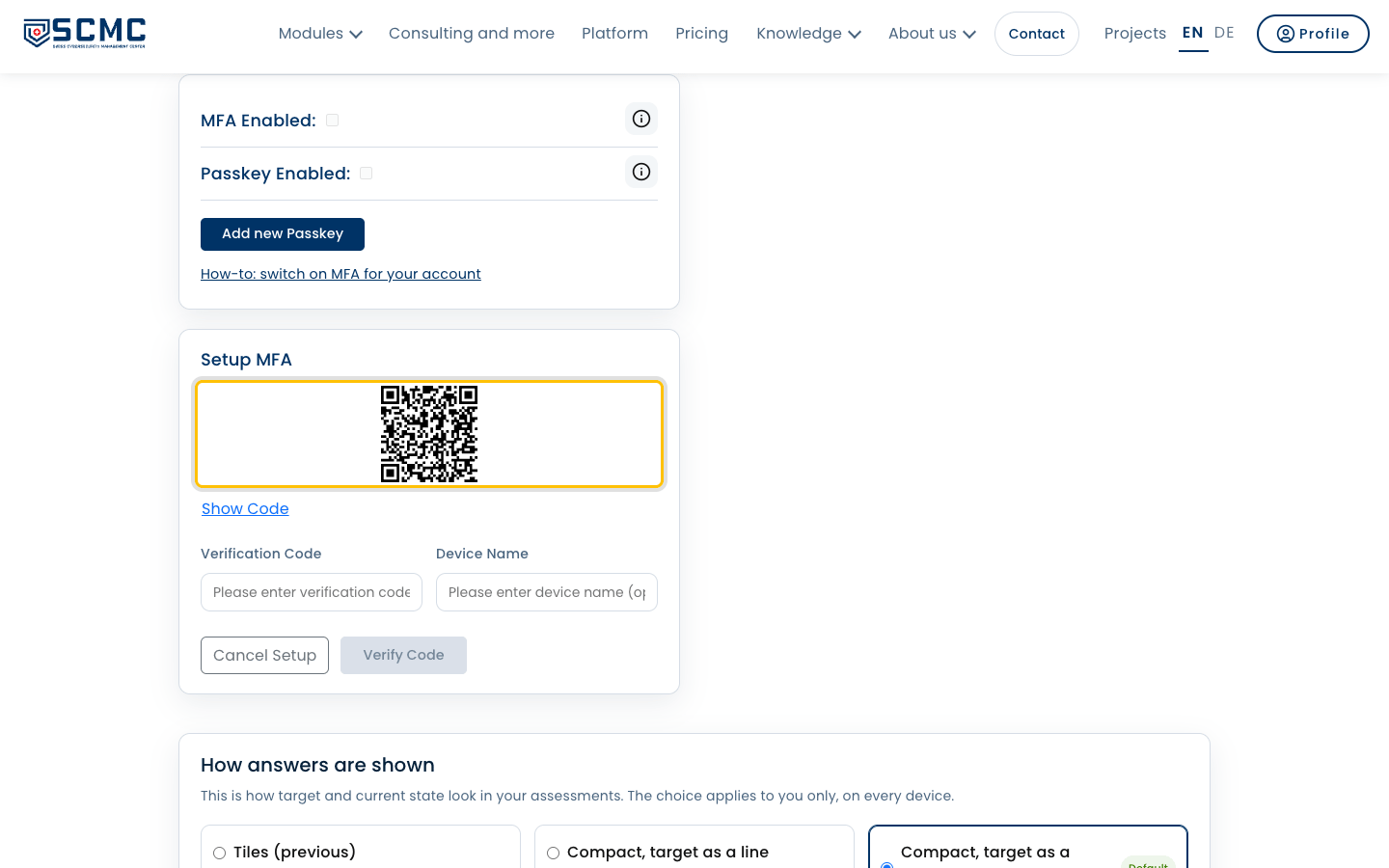
Enter the six-digit code the app shows.
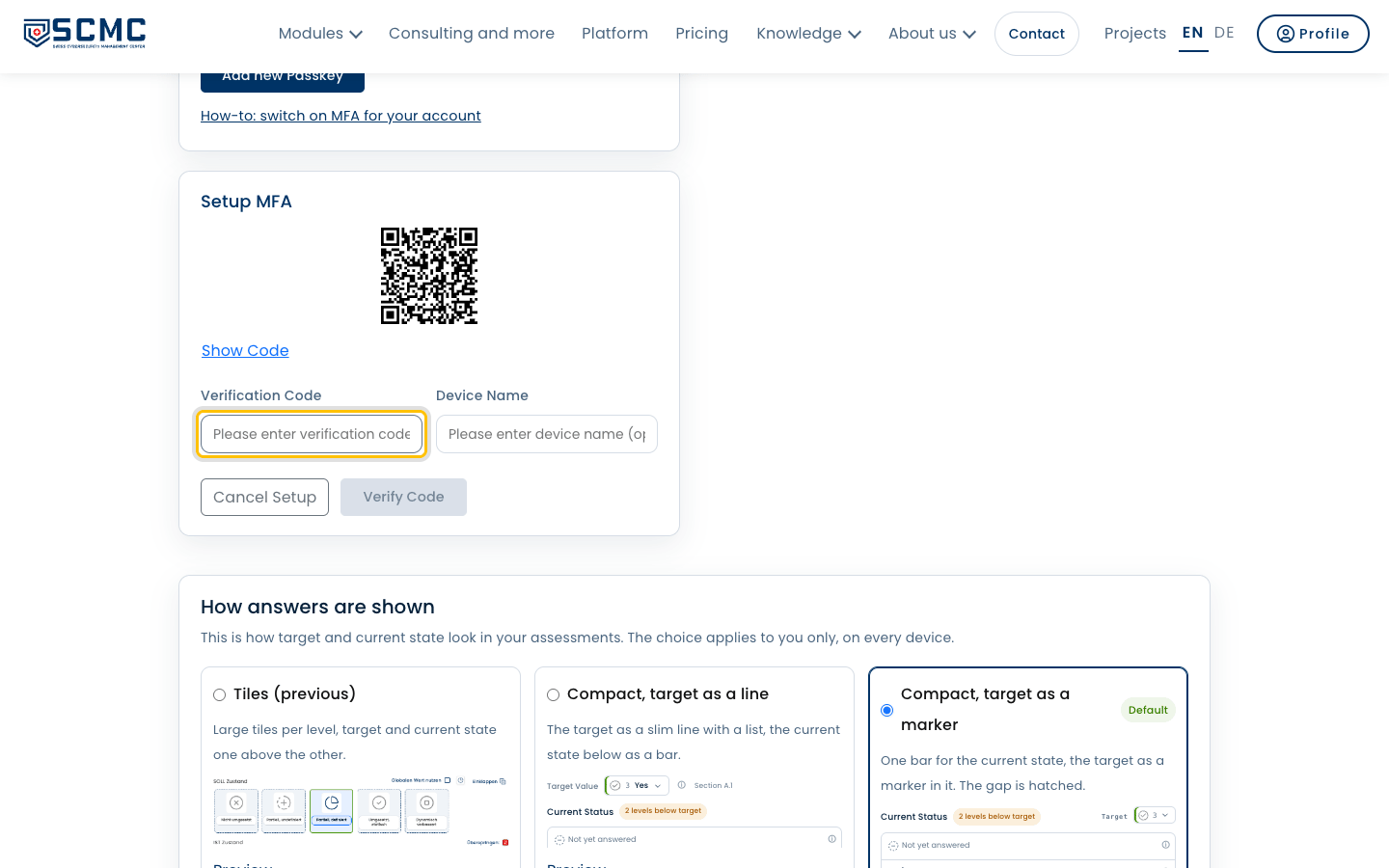
Give the device a name so you recognise it later.
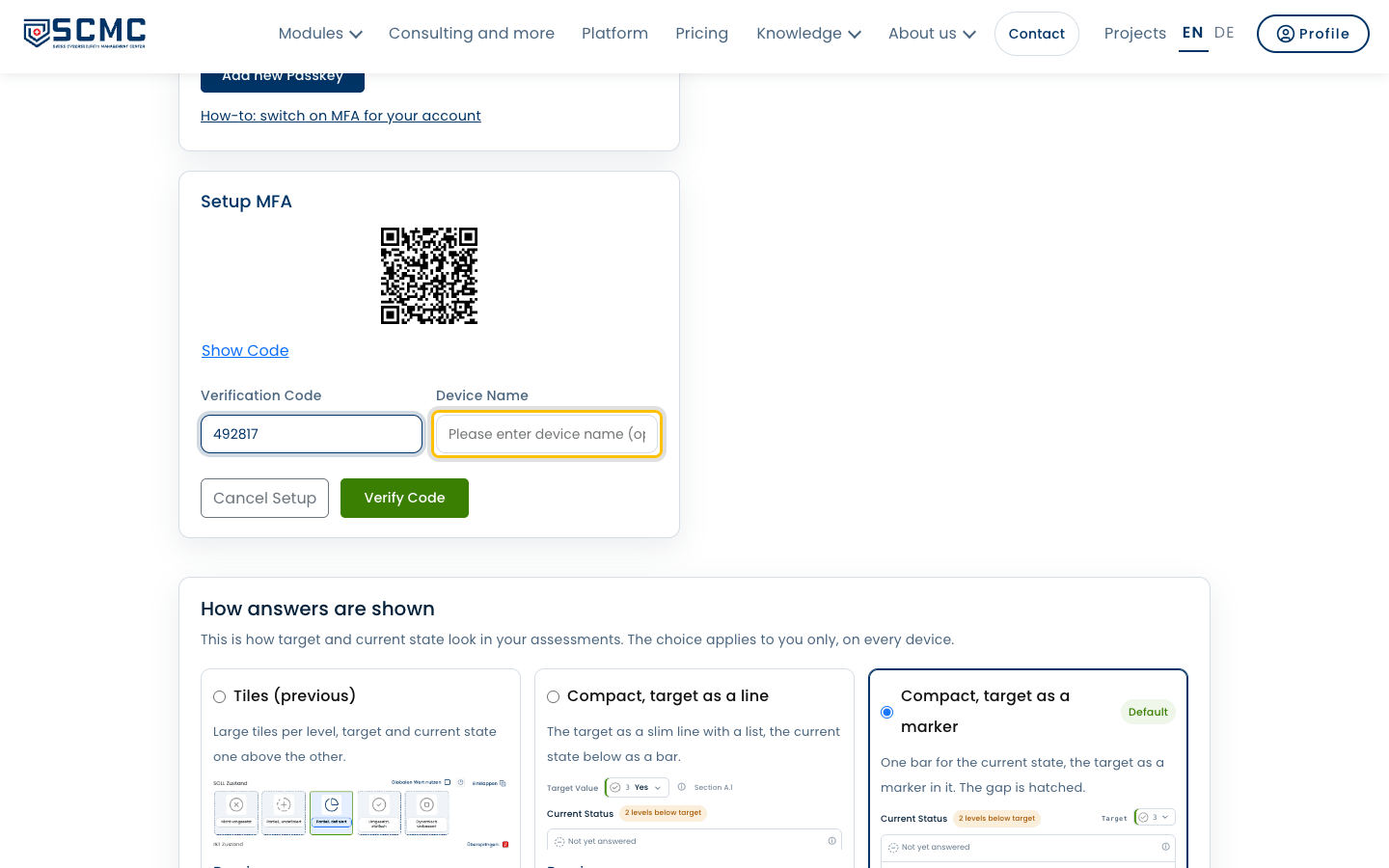
Click “Verify Code”.
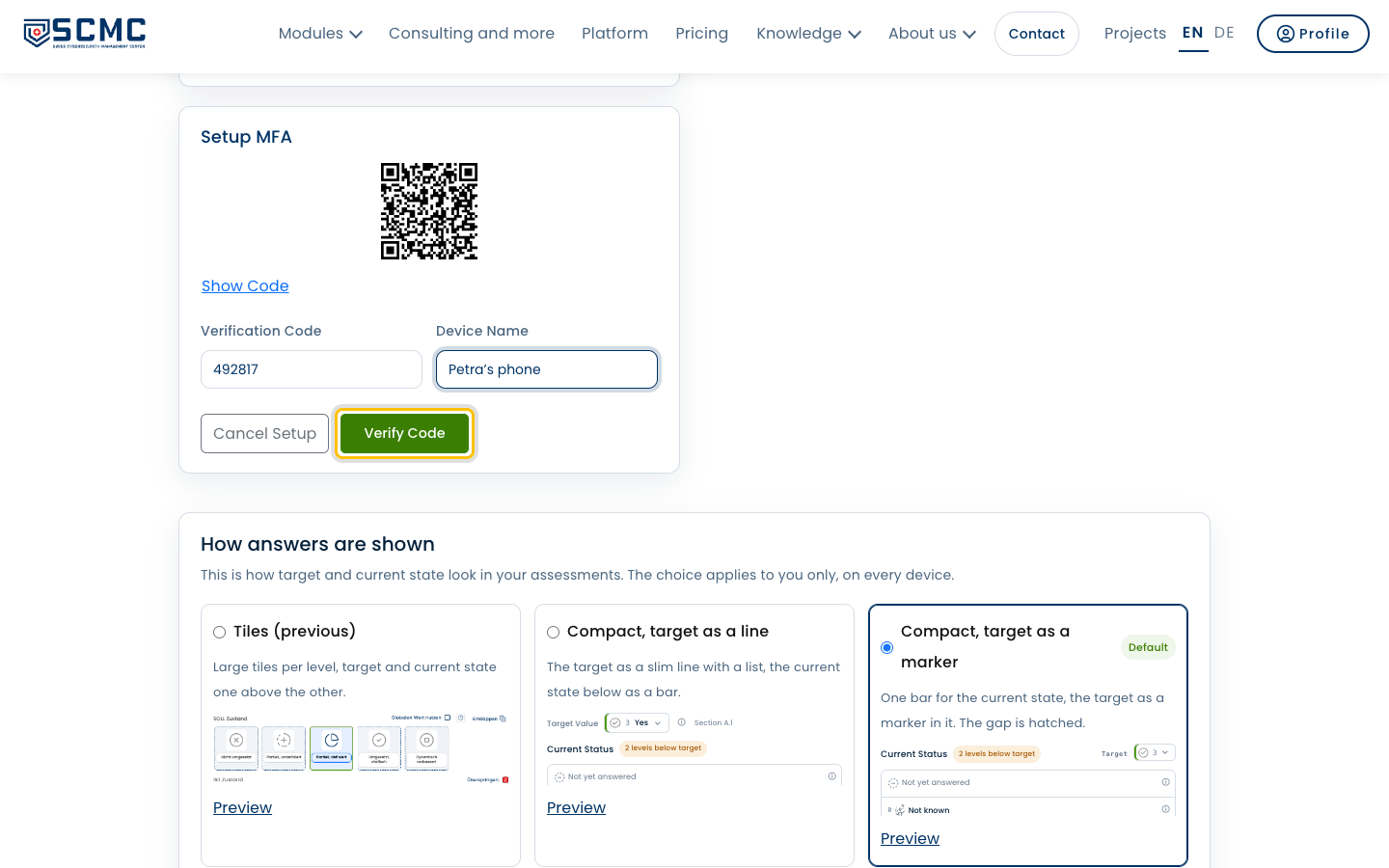
MFA is on. From your next sign-in SCMC asks for the code.